Connect Your AI Voice Agent to Your Business Phone System
Integrate it into your current phone infrastructure without necessarily replacing your PBX or installing new equipment. The agent answers calls, handles requests, performs actions and transfers the conversation to the right person when needed.
Cloud or on-premises PBX · Inbound & outbound calls · Secure connectivity
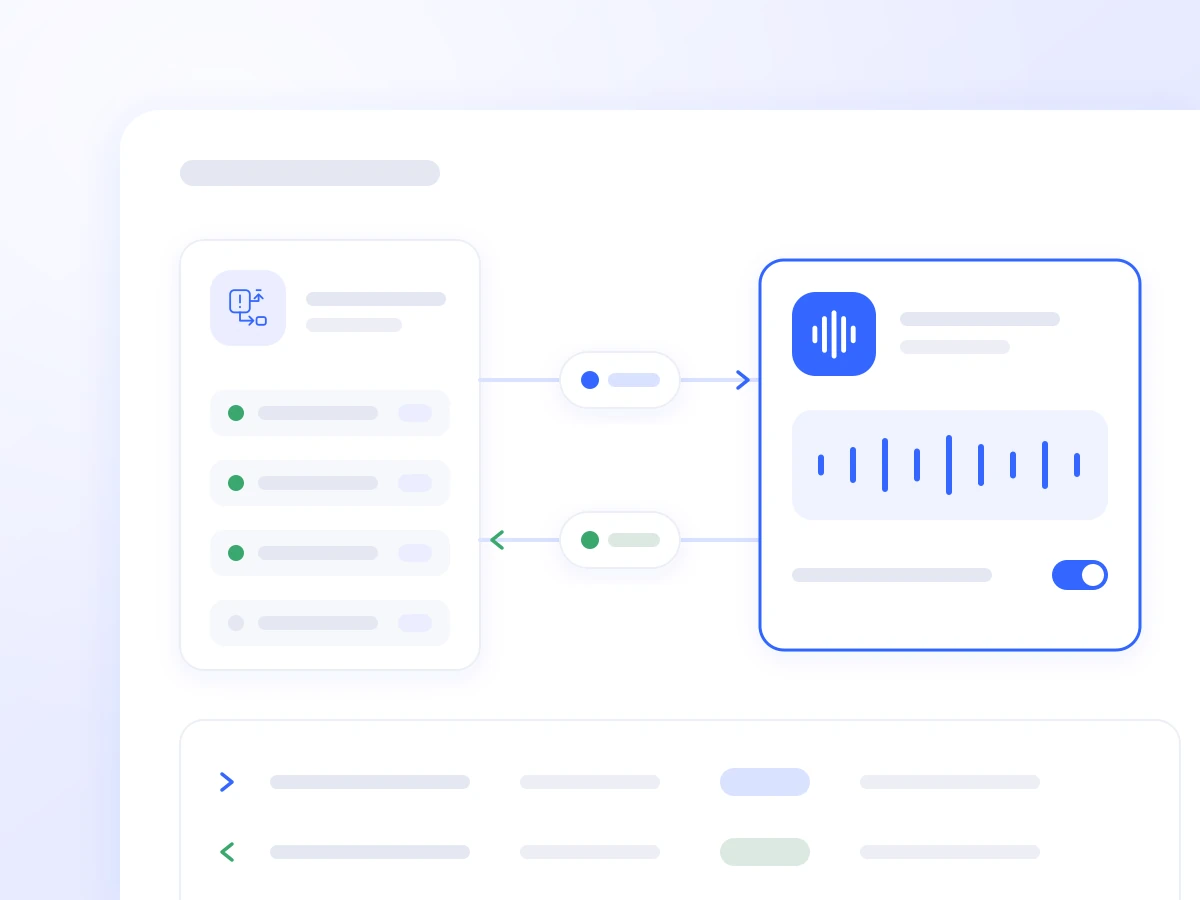
Works with the Phone Infrastructure You Already Use
The AI Voice Agent connects to your business phone system and becomes part of your call flow as another destination for handling customer calls.
It can be added to your IVR, a call queue, a specific extension or a dedicated phone number. The appropriate architecture depends on your PBX, network and the process you want to automate.
-
Keeps Your Existing Caller Experience
Customers continue to call the numbers they know, and the agent takes over at the point in the call flow you have selected.
-
Transfers Calls Smoothly to Your Team
When a request needs personal attention, the call is transferred to the appropriate department or extension, along with the necessary conversation history.
Four Ways to Connect
1. As a SIP Extension
A SIP account is created on your PBX, and the AI Voice Agent connects like an IP phone or softphone.
It can operate:
- As an IVR option
- As the first point of contact in a call queue
- When your team is busy
- Outside business hours
- For specific requests or departments
This connection uses your existing routing rules and allows calls to be transferred to another extension or an external number, provided your PBX supports it.
2. Direct Connection via SIP Trunk or SIP URI
For permanent deployments and higher call volumes, your business phone system can route selected calls directly to Voice Logica through a SIP trunk or SIP URI.
The connection uses agreed network addresses and does not require an extension account or periodic re-registration. It provides greater control, stability and scalability.
3. Secure Connection to a Private On-Premises PBX
When your PBX is on an internal network and cannot be accessed from the internet, a secure communication channel is established with Voice Logica.
This removes the need to expose your PBX publicly, configure port forwarding or allow uncontrolled inbound access to your corporate network. This approach suits organisations with strict security policies or older on-premises infrastructure.
4. Call Forwarding
Call forwarding is the simplest way to get started quickly. Your existing number forwards all or selected calls to a number handled by the AI Voice Agent.
Forwarding can be activated:
- When the line is busy
- When a call goes unanswered
- Outside business hours
- For a specific number or calling campaign
It requires no changes to your PBX. For more complex or permanent deployments, a SIP connection provides greater control.
Which Connection Suits Your Infrastructure?
| Connection Method | Best Suited To | Main Advantage |
|---|---|---|
| SIP extension | IVR, call queues and selected departments | The agent operates as a phone extension |
| SIP trunk / SIP URI | Permanent deployments and high call volumes | Stability, control and scalability |
| Secure connection | Private on-premises networks | No public exposure of your PBX |
| Call forwarding | Quick setup and a limited use case | Minimal technical changes |
Compatibility with Cloud and On-Premises Phone Systems
Voice Logica can connect to cloud VPBX and on-premises business phone systems, provided they support SIP connectivity or call routing.
We have experience integrating with systems such as:
-
Asterisk and FreePBX
-
Grandstream
-
Yeastar
-
Panasonic
-
Alcatel
-
Telecommunications providers and other VPBX platforms
Each deployment is assessed individually. The final configuration may depend on the system version, available licences, network topology, NAT, firewall and supported SIP features.
Connect Your AI Voice Agent Without Replacing Your Entire Phone Infrastructure
Tell us about your business phone system and the call flow you want to automate. We will recommend the appropriate connection method for your business.
Updated: