
Customer balance enquiries
The AI Voice Agent informs customers about their balance, unpaid invoices, and payment dates using authorised Soft1 data.
Connect Voice Logica with Soft1 ERP (SoftOne) and use your business data in phone conversations.
The AI Voice Agent can answer customer enquiries about balances and products, create orders and sales documents, and support payment reminders. Actions follow the permissions and workflows you have defined.
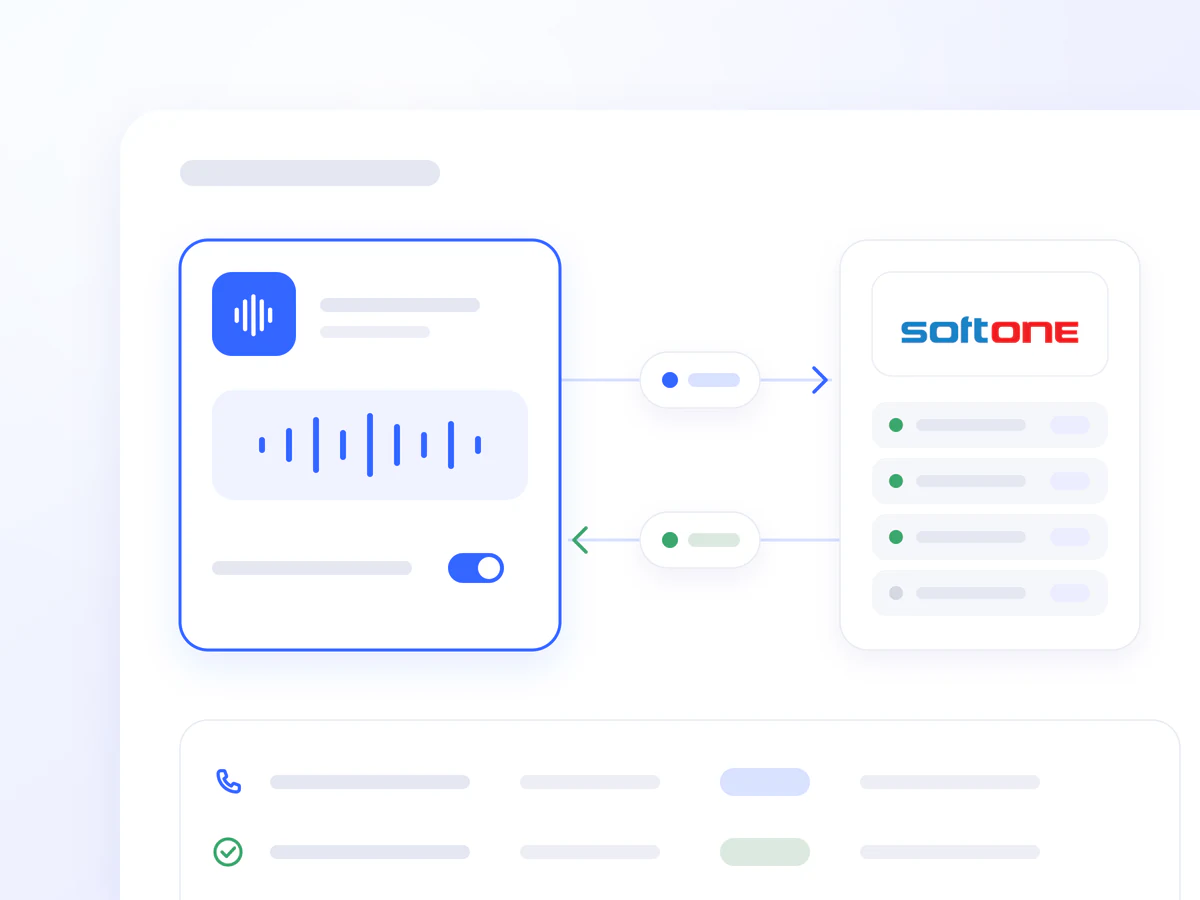
Questions about an unpaid invoice, product availability, or a previous order often require an ERP lookup and coordination between departments.
The Soft1 integration allows the AI Voice Agent to retrieve relevant information during the conversation and, where authorised, complete actions within the ERP. Your team spends less time handling repetitive phone enquiries.
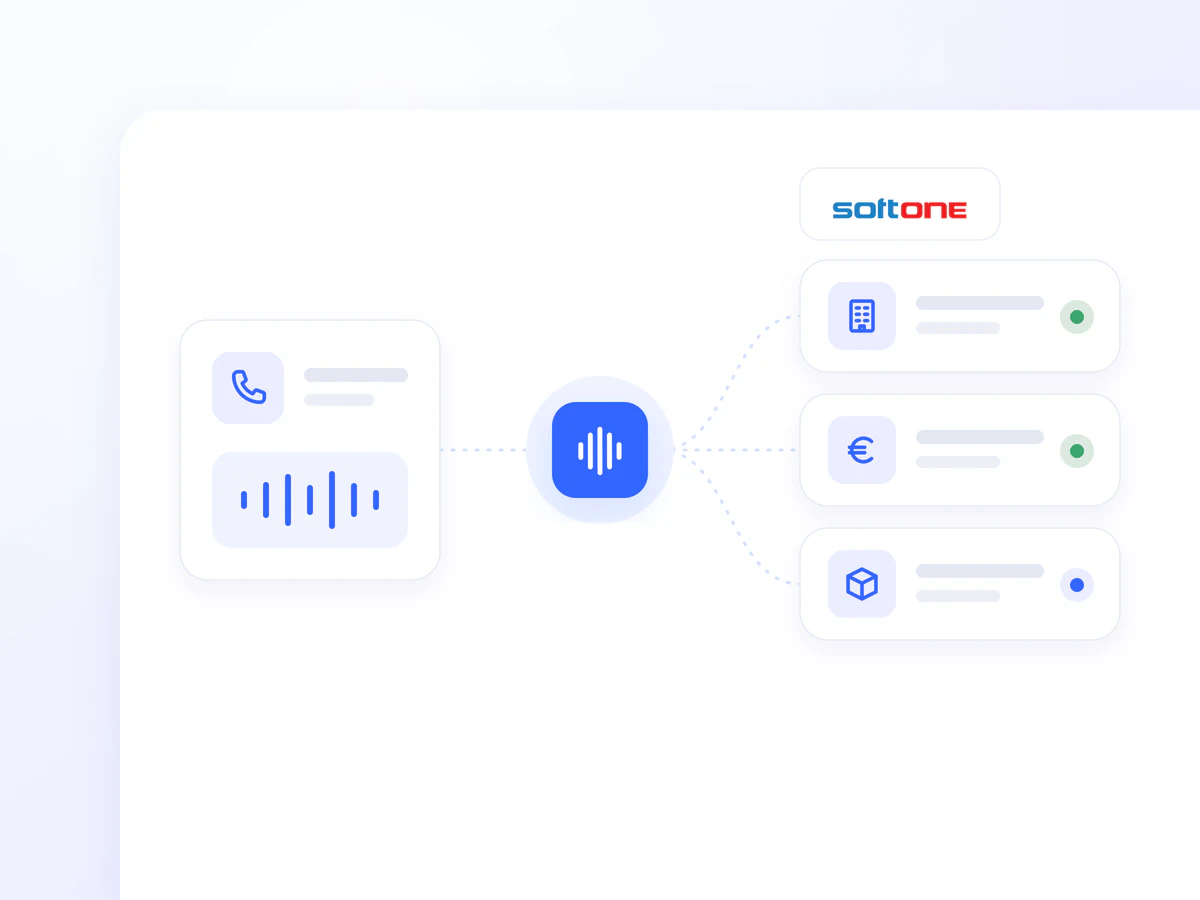
It locates the customer record using a phone number, tax identification number, customer code, or company name. Additional identity verification steps can be added before disclosing sensitive financial information.
It retrieves authorised information on balances, unpaid invoices, and payment dates to answer customer enquiries using Soft1 data.
It looks up product codes, descriptions, prices, availability, and alternative products. Answers are based on current ERP data.
It records products and quantities, confirms authorised delivery details, and creates sales orders or quotations directly in Soft1.
It supports the creation of authorised sales invoices, dispatch notes, and retail receipts. Electronic invoices are submitted to myDATA through the configured Soft1 workflow.
Organise outbound calls using authorised balance and accounts receivable data from Soft1. Data is synchronised nightly or refreshed on request.
Your finance team selects customers by amount owed, days overdue, customer category, sales representative, or branch. Before launch, the preview can show the customer count, total and average amount owed, and an ageing breakdown of outstanding balances.
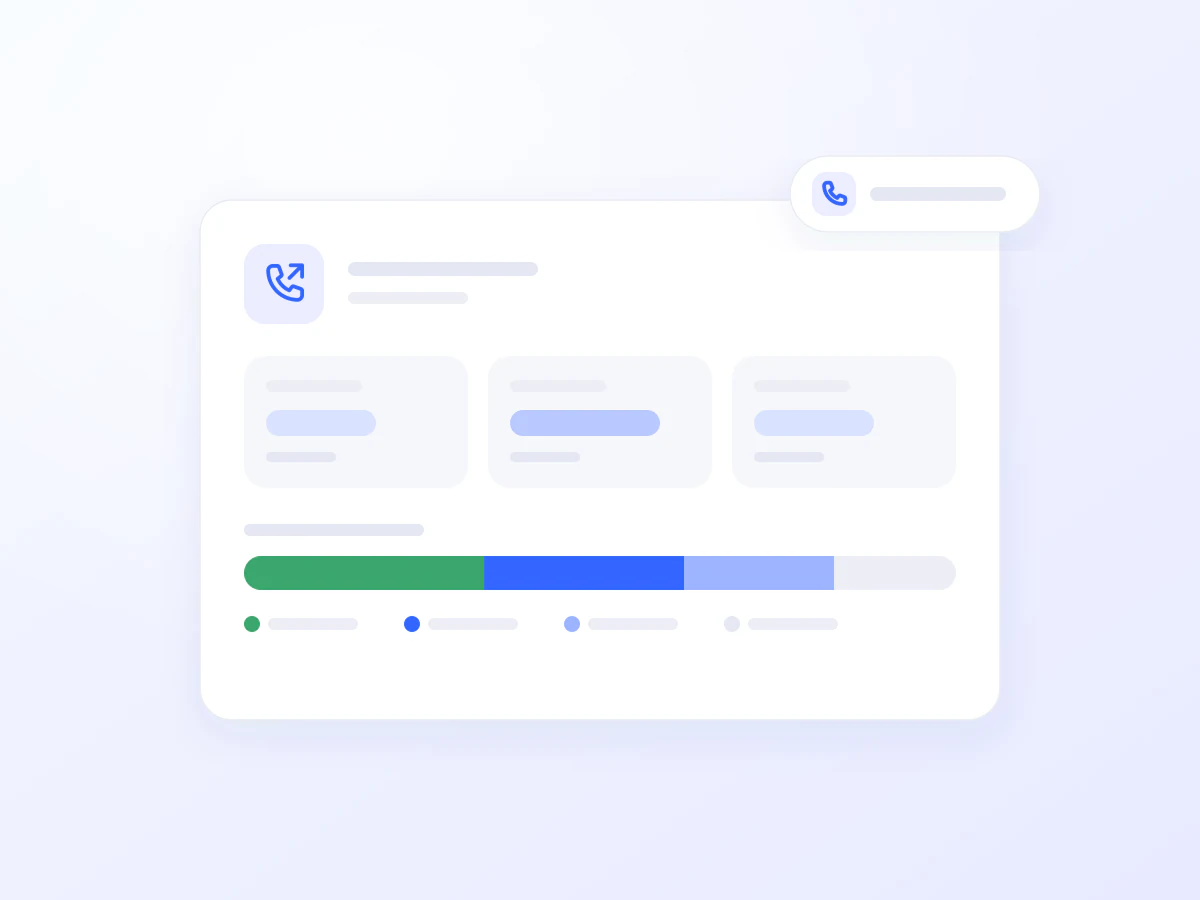
The AI Voice Agent informs customers about their balance, unpaid invoices, and payment dates using authorised Soft1 data.
It retrieves a previous order, confirms products and quantities with the customer, and creates the new order in Soft1 according to its permissions.
It answers questions about product codes, descriptions, prices, and availability using current ERP data.
It retrieves the authorised invoice or account statement requested by the customer and supports delivery via SMS or email.

It makes personalised outbound payment reminder calls, helping the finance team follow up on overdue balances without calling each customer individually.
It handles calls outside business hours or during peak periods, with access to authorised Soft1 data and supported actions.
Answer everyday enquiries using ERP information.
Reduce lookups and the need to re-enter phone orders.
Connect outbound communication with your finance team’s data and selection criteria.
Connecting Soft1 ERP with Voice Logica usually takes just a few steps:
Open Artificial Intelligence → Integrations in Voice Logica.
Add a new Soft1 ERP Integration.
Enter the required Soft1 connection details.
Enable the Soft1 tool for the appropriate AI Voice Agent.
Select the information and actions that will be available to the Agent.
Optionally, configure automated accounts receivable campaigns.
Test the selected call scenarios before activation.
Once the connection is complete, the AI Voice Agent can answer calls and perform authorised actions using live information from Soft1 ERP.
Yes. Customer, balance, and product lookups can remain read-only. Actions such as creating orders or invoices are enabled separately.
Yes. Electronic invoices can be submitted to myDATA through the configured Soft1 workflow.
Yes. Selection can be based on criteria such as the outstanding balance and days overdue, according to the campaign configuration.
Discover how the integration can work for your business, based on the needs of your sales, customer service, and finance teams.
Updated: