
Support request intake
The AI Voice Agent creates a ticket for the issue reported by the caller, recording the details and initial status in ClickUp.
Connect Voice Logica with ClickUp and turn phone enquiries into organised tasks.
The AI Voice Agent can create tickets, search existing tasks, update their status, and add comments during the conversation. Your team finds requests and relevant information in the workspace it already uses.
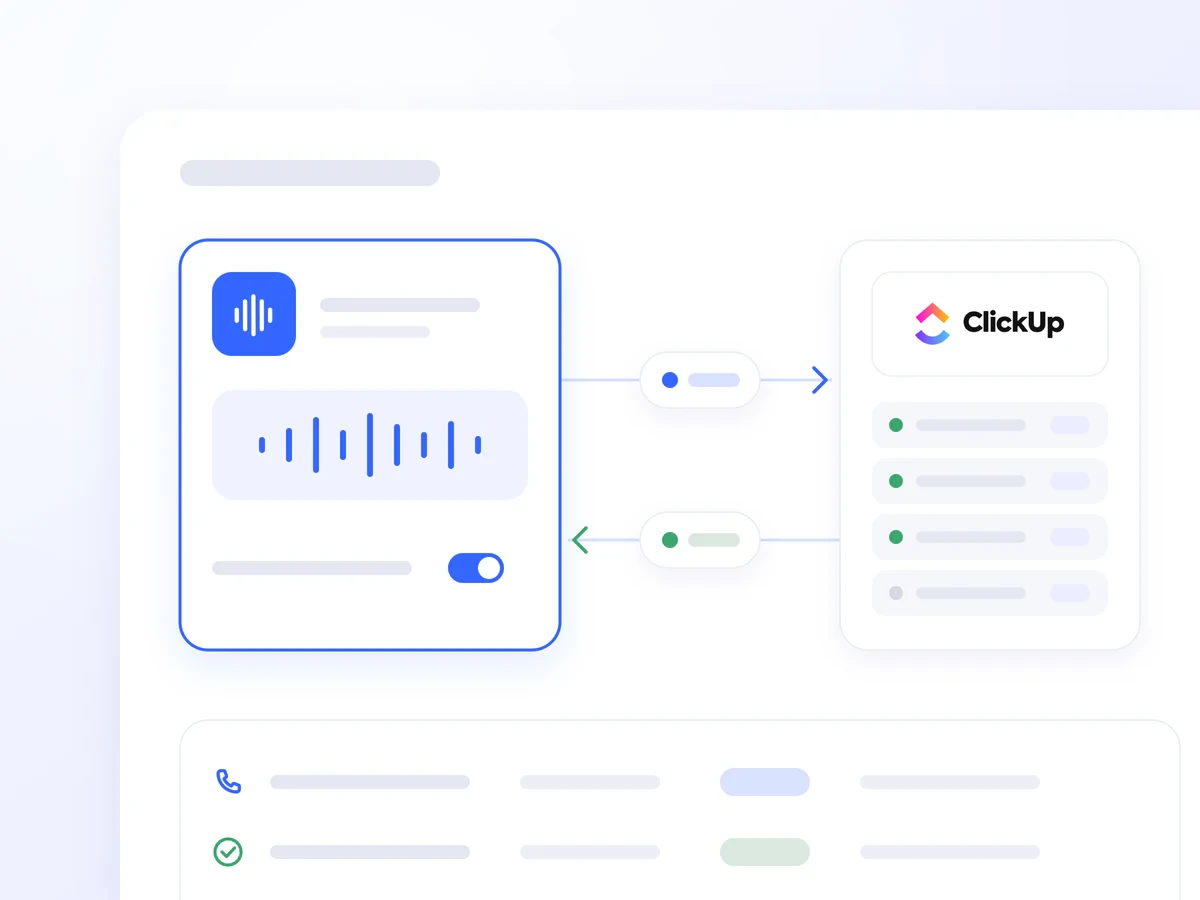
An issue report or a new detail about an open ticket needs to reach the team handling it. Logging information after the call takes additional time, and details can be missed.
The ClickUp integration allows the AI Voice Agent to log and update requests during the conversation. Your team starts with the relevant information in one place, without having to manually transfer call notes.
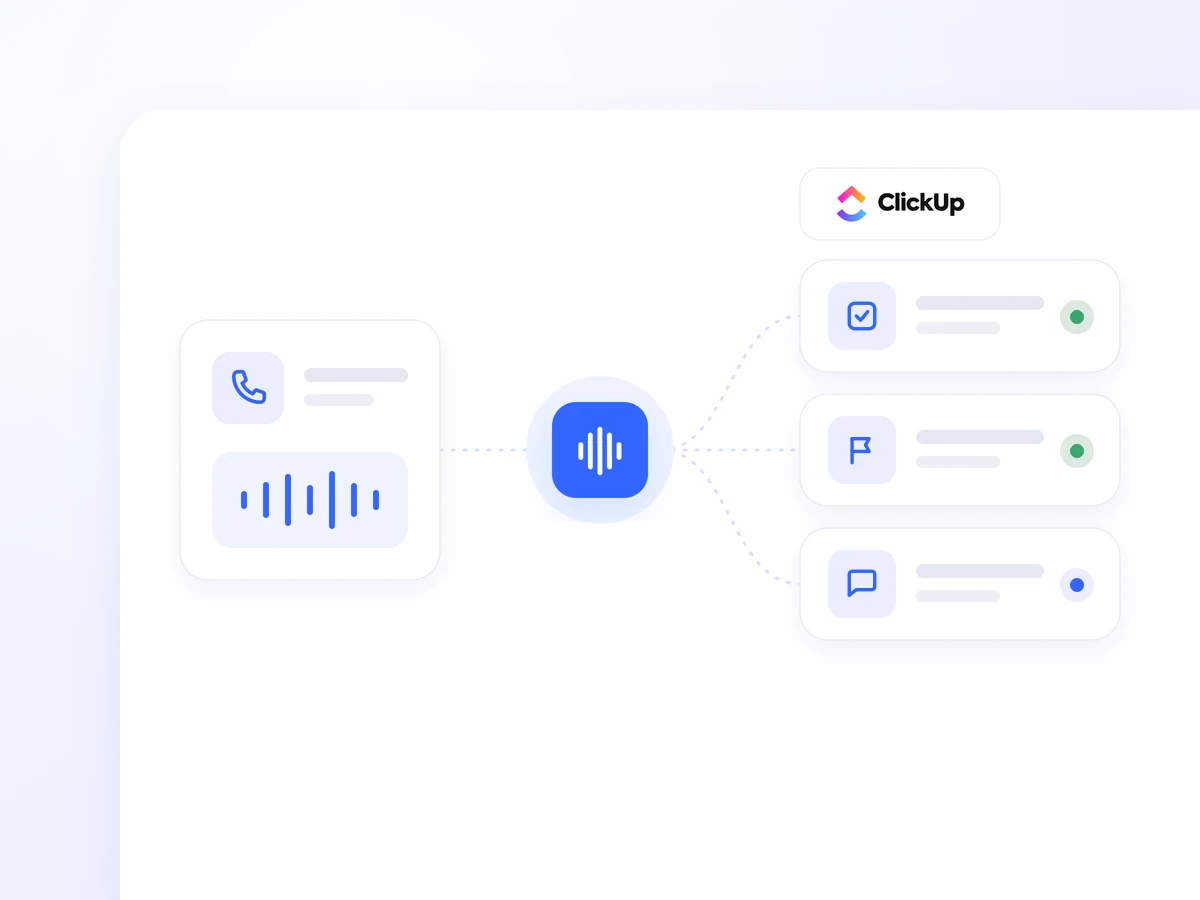
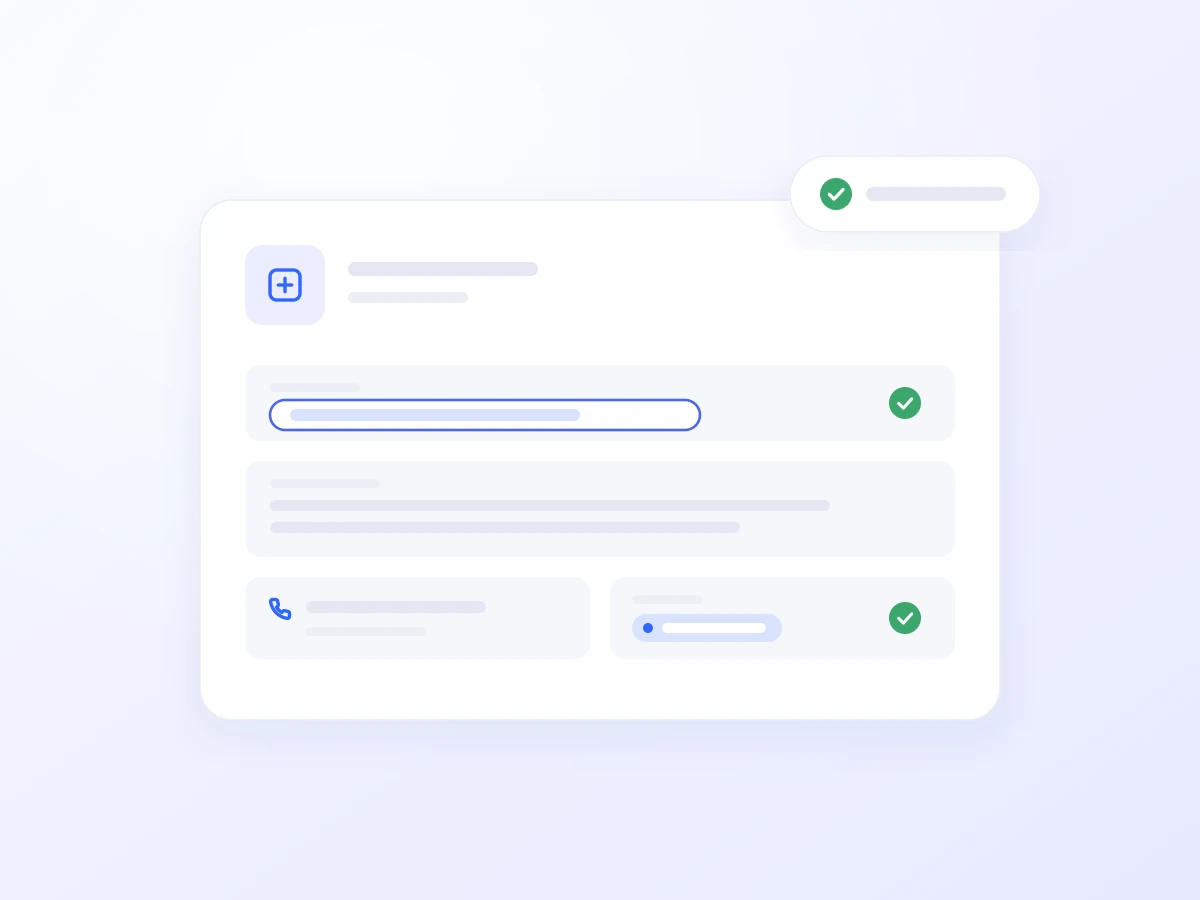
It creates a task with a title, request description, caller contact details, and initial status. The request is logged in ClickUp before the call ends.
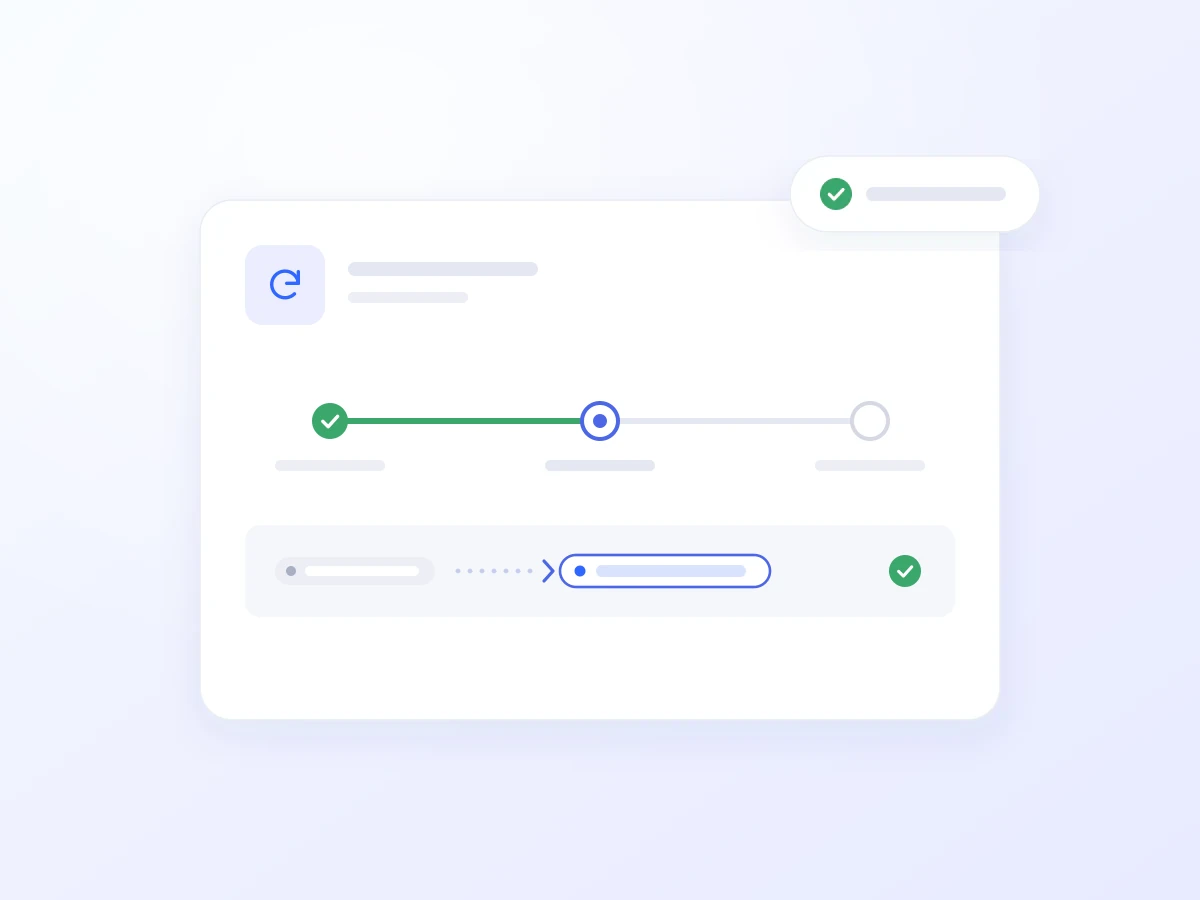
It changes a task’s status according to the permitted actions. For example, it can mark a task as in progress or reopen an issue that has recurred.
It adds new information, clarifications, and actions taken during the call as comments on the existing task, keeping the request history in one place.
It searches for the relevant ticket using available caller details and reports its current status using real-time ClickUp data.
It uses available details to match the caller with the right request, so updates and comments are added to the relevant task.
A customer reports a fault. The AI Voice Agent collects the necessary details, creates the task, sets the permitted status, and adds further notes.
When your team takes over, ClickUp already shows what happened, who called, and what information they provided. The caller receives confirmation that the request has been logged during the same conversation.
The AI Voice Agent creates a ticket for the issue reported by the caller, recording the details and initial status in ClickUp.
It finds the relevant request and informs the caller of its current status, without requiring a separate lookup by your team.

It records new details as a comment on the existing task, making the caller’s clarifications available to your team.

It reopens a ticket when the caller reports that the issue has recurred and adds a relevant note, where authorised.

It collects and logs requests outside business hours, so your team returns to organised tickets.
Reduce the time spent transferring call notes into ClickUp.
Keep descriptions, updates, and comments in the relevant task.
Continue managing work in ClickUp, with phone request logging available 24/7.
Getting connected usually takes just a few steps:
Open Artificial Intelligence → Integrations in Voice Logica.
Add a new ClickUp Integration.
Authorise your ClickUp connection.
Enable the ClickUp tool for your AI Voice Agent.
Optionally, define which lists tickets are created in and which statuses the Agent may set.
Your AI Voice Agent is now ready to turn calls into tracked requests in ClickUp.
Yes. You decide whether it creates tasks, updates statuses, and adds comments. You also control which lists and statuses it can use.
Yes. It can search for the task in ClickUp, inform the caller of its status, and add comments during the same conversation.
Voice Logica supports Greek and multiple additional languages, allowing the same AI Voice Agent to serve local and international callers.
Discover how the integration can work for your business, based on how your team logs, tracks, and manages requests.
Updated: