After-hours incident intake
It creates tickets with the problem description, appropriate priority, and assignee, following your support rules.
Connect Voice Logica with Zendesk and organise phone requests within your helpdesk.
The AI Voice Agent identifies callers, finds existing tickets, and records new requests with a description, priority, and assignee. It also adds replies and internal notes and updates ticket statuses, around the clock.
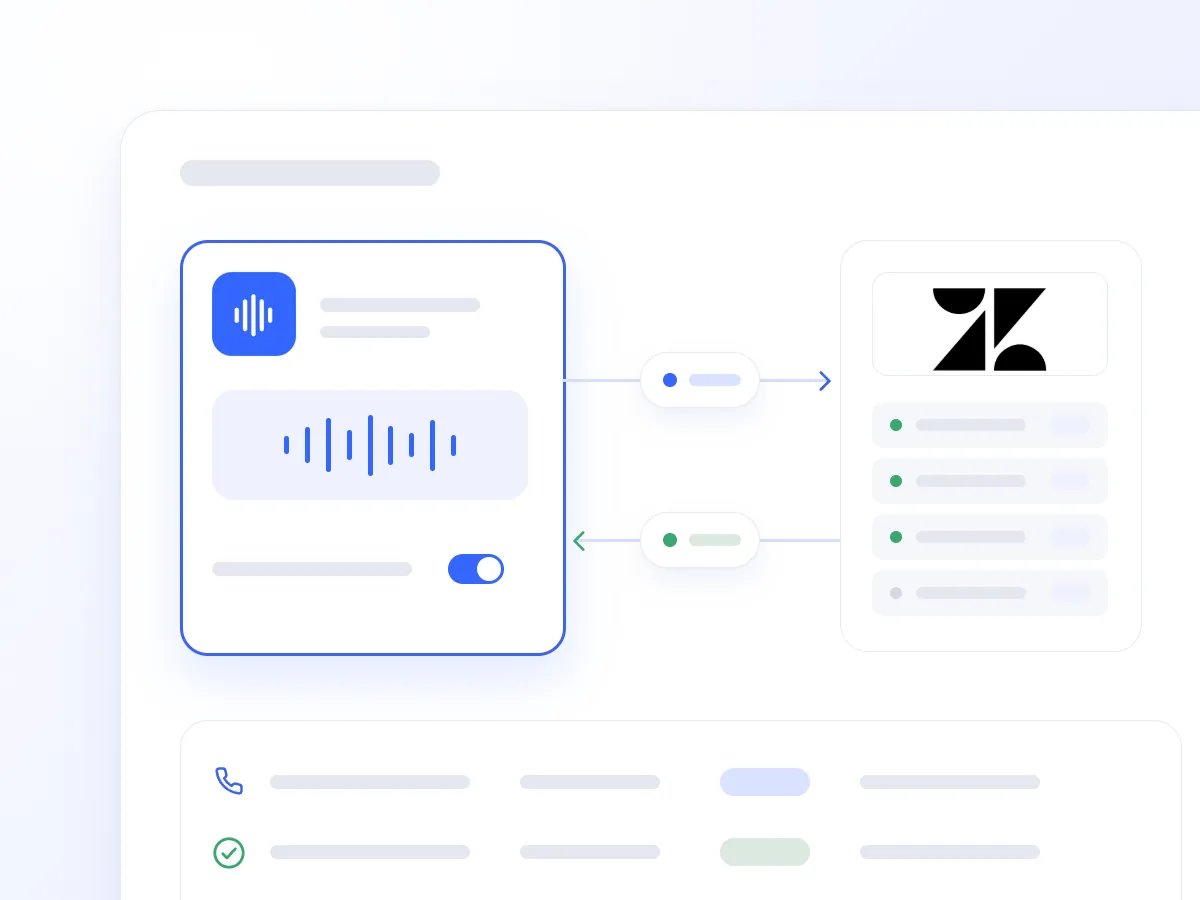
Phone calls often require history searches, notes, and manual helpdesk entry afterwards. Information can be lost, while customers may need to explain the same problem again.
The Zendesk integration allows the AI Voice Agent to use the caller’s history and document the interaction during or immediately after the conversation, following your support process.
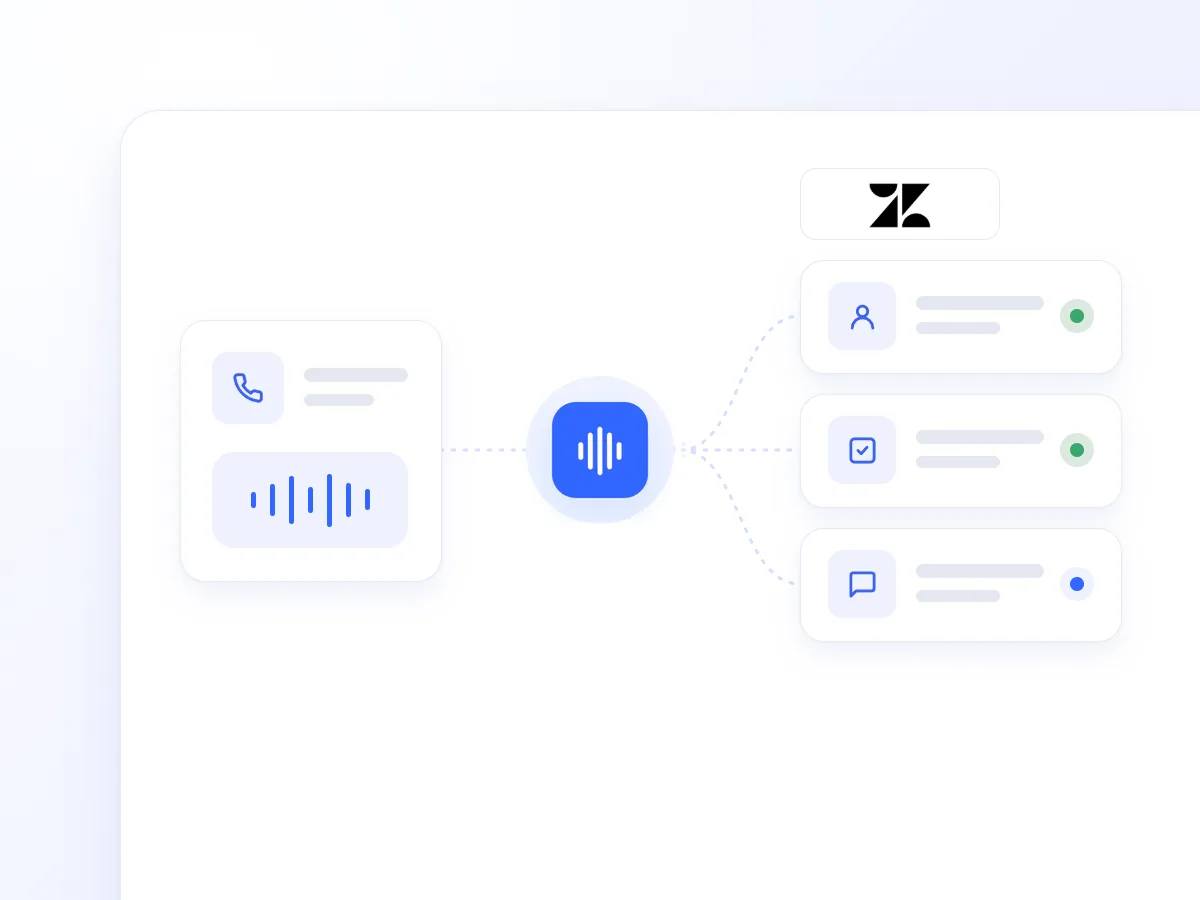
It looks up the contact by phone number, checking both phone and mobile fields. It retrieves the contact record and their 10 most recently updated tickets.
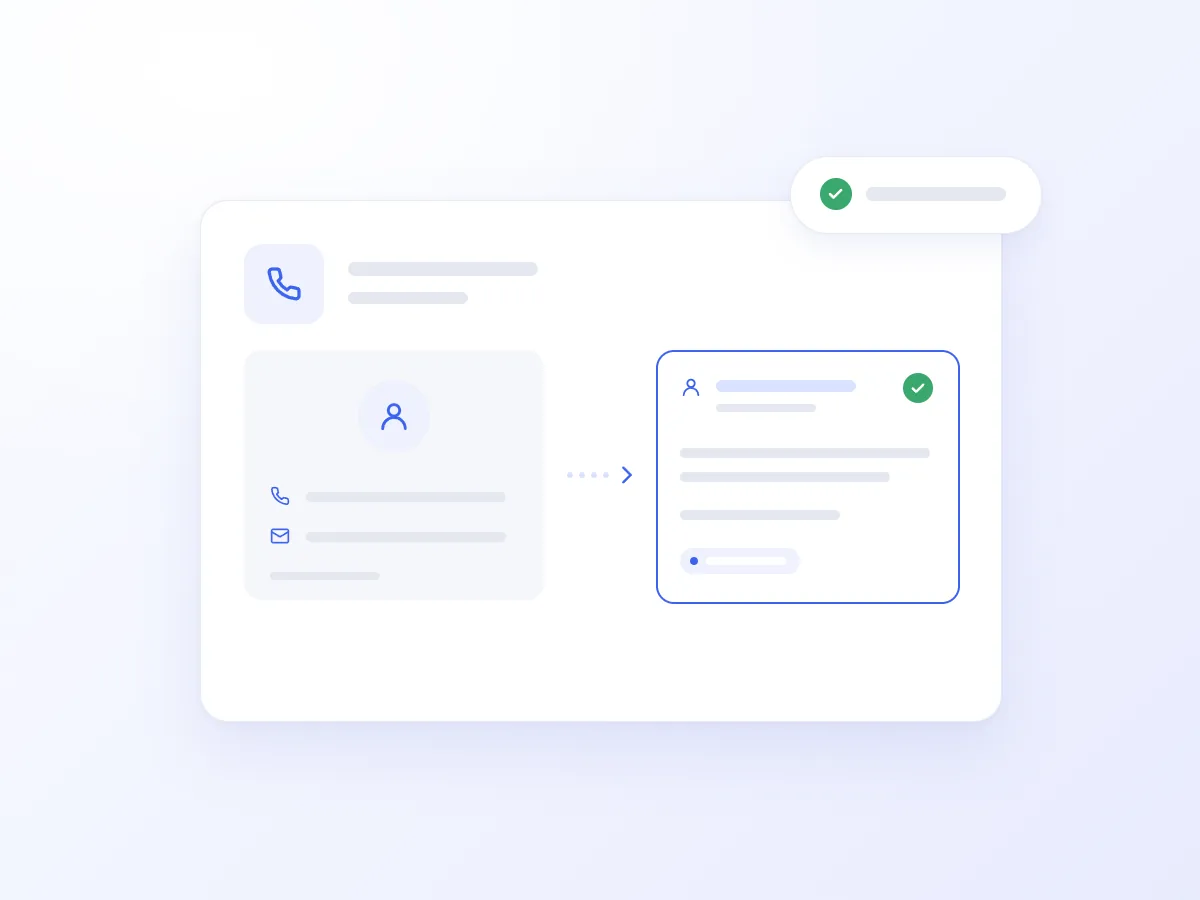
It creates a ticket with a subject, detailed description, and call summary. It sets the requester using a phone number or email address, includes a display name, assigns a priority from low to urgent, and sets an initial status of open or pending, with optional immediate assignment.
It adds public replies that are emailed to the requester or private internal notes visible only to your team.
It changes a ticket’s status according to the conversation’s outcome and your rules, such as when a customer confirms a resolution or needs to provide additional information.
It retrieves full ticket details and ticket lists to answer progress enquiries. It also looks up available Zendesk agents for request assignment.
It can optionally use call analysis to generate summaries, sentiment detection to adjust priorities, and smart call transfers when human support is needed.
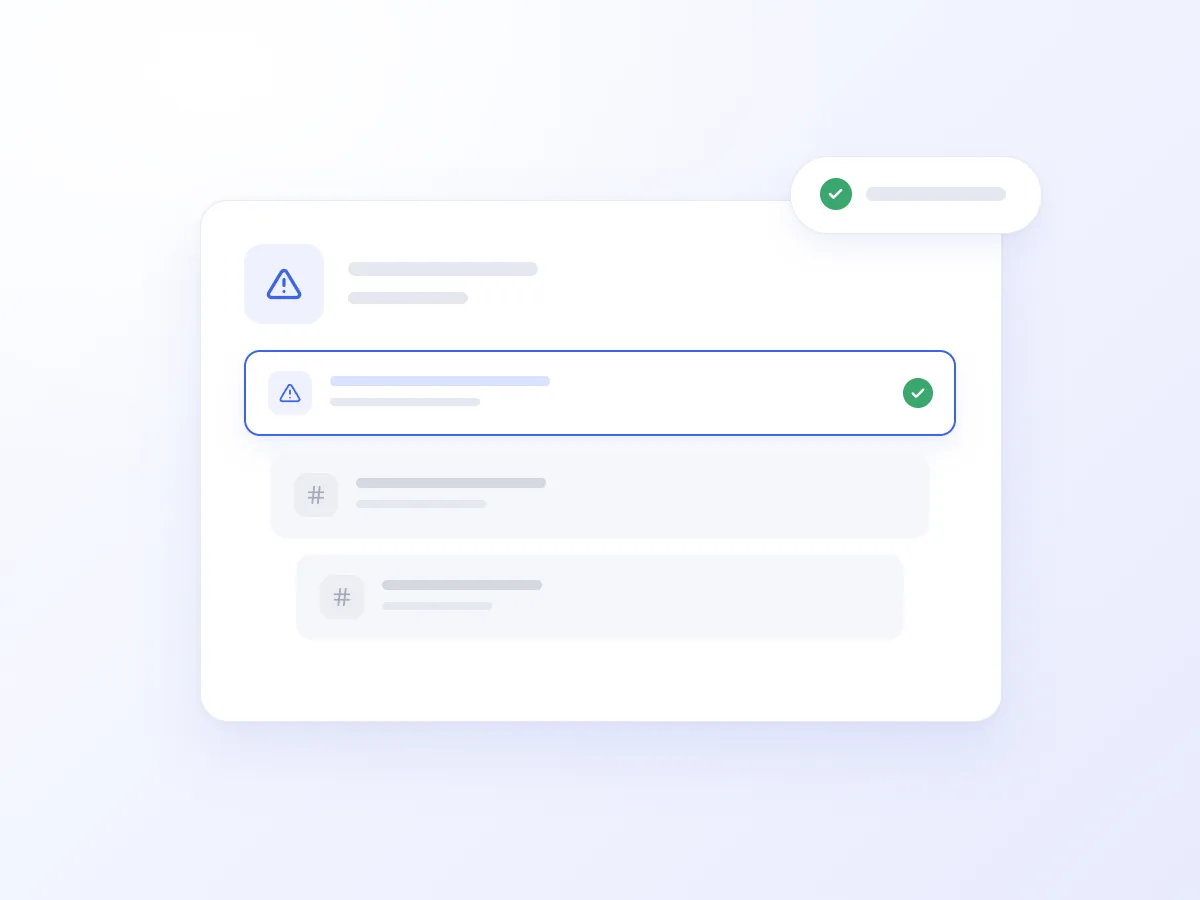
A customer calls again about an unresolved issue. The AI Voice Agent finds the contact and recent tickets to use the history already recorded.
Depending on your process, it updates an existing ticket or creates a new one with the relevant context, sets the priority and assignee, and sends a written update through a public reply. If needed, it transfers the call to a human.
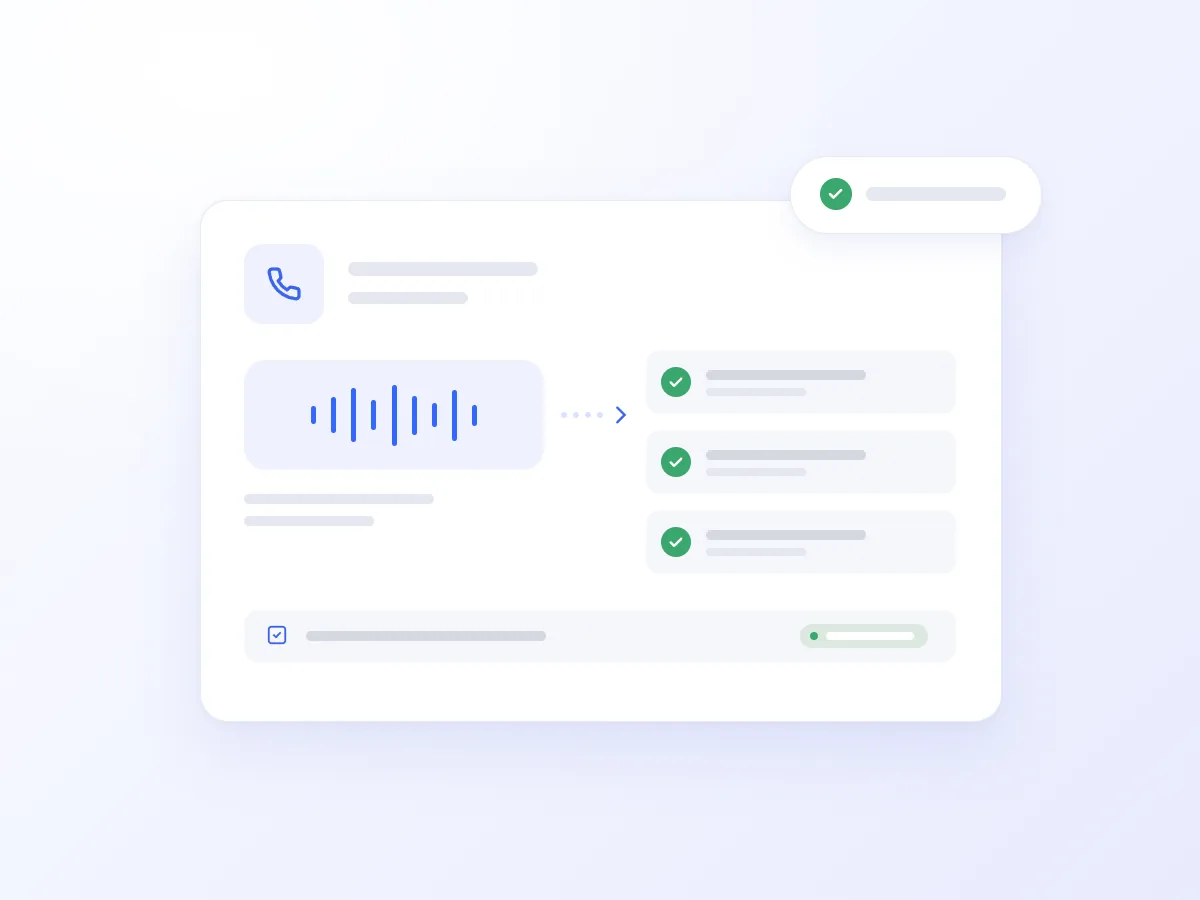
It creates tickets with the problem description, appropriate priority, and assignee, following your support rules.
It identifies the caller and searches for relevant tickets, even if they do not know the ticket number. It reports the status and can add a note about the new interaction.
When the customer confirms that the problem has been resolved, it updates the ticket status and adds the relevant reply, following your workflow.
It records requests during busy periods with a summary, requester details, and priority, giving your team organised tickets for follow-up.
Turn call content into tickets, replies, and notes.
Use the caller’s history and reduce the need to repeat information.
Set the priority, status, and assignee when a request is created.
Maintain a consistent support process during and outside business hours.
Getting connected takes just a few steps:
In Zendesk, open Admin Center → Apps and integrations → APIs and generate an API token.
Open Artificial Intelligence → Integrations in Voice Logica and add the Zendesk integration.
Enter your Zendesk subdomain, Zendesk agent email address, and API token.
Enable the Zendesk toolset for your AI Voice Agent.
Optionally, combine call analysis and sentiment detection so summaries and priorities are recorded automatically according to your rules.
Your AI Voice Agent is now ready to find and manage phone requests in Zendesk.
You decide. The Agent can create tickets during or after the call or answer questions using existing tickets.
Yes. It can be created with a priority from low to urgent, an initial status of open or pending, and an immediate assignee. Optionally, sentiment detection can trigger escalation based on your rules.
Public replies are emailed to the requester. Private internal notes remain visible only to your team, while the ticket description can include the call summary.
Yes. It can identify the contact by phone number and retrieve their 10 most recently updated tickets to find the relevant request.
Discover how the integration can work for your team, with caller recognition, request updates, and organised records of phone conversations.
Updated: