Phone order payments
It sends a link for the agreed order amount, allowing the customer to pay during the same call.
Connect Voice Logica with Viva Payments and let customers pay during the phone conversation.
The AI Voice Agent creates a Viva Smart Checkout payment link for the agreed amount and sends it by SMS or Viber. The customer pays by card or digital wallet on Viva’s checkout page, without reading card details over the phone.
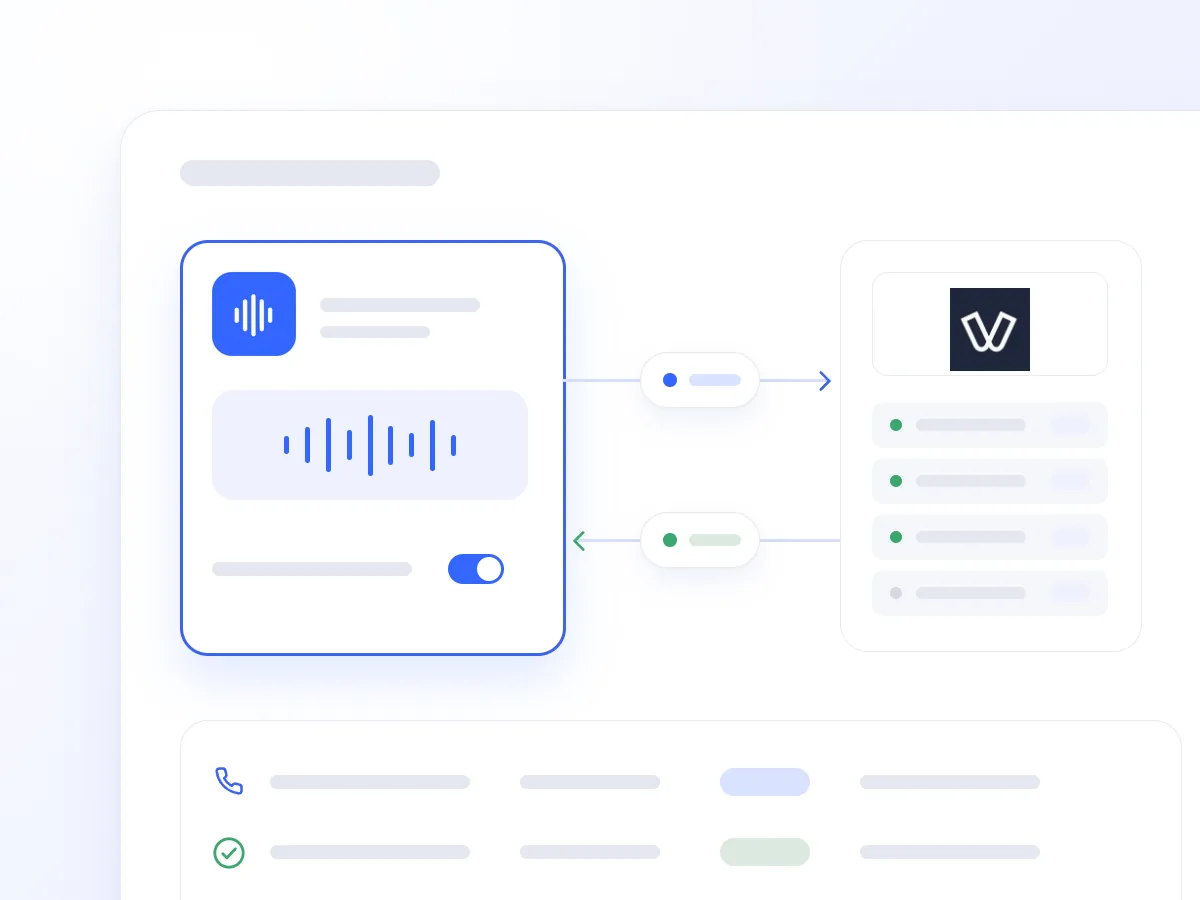
A phone order or booking is often followed by sending bank details, waiting for a transfer, and further follow-up. Payment remains pending even when the customer is ready to proceed.
The Viva Payments integration allows the AI Voice Agent to send a payment link at that moment. The customer can open the checkout and pay while staying on the line.
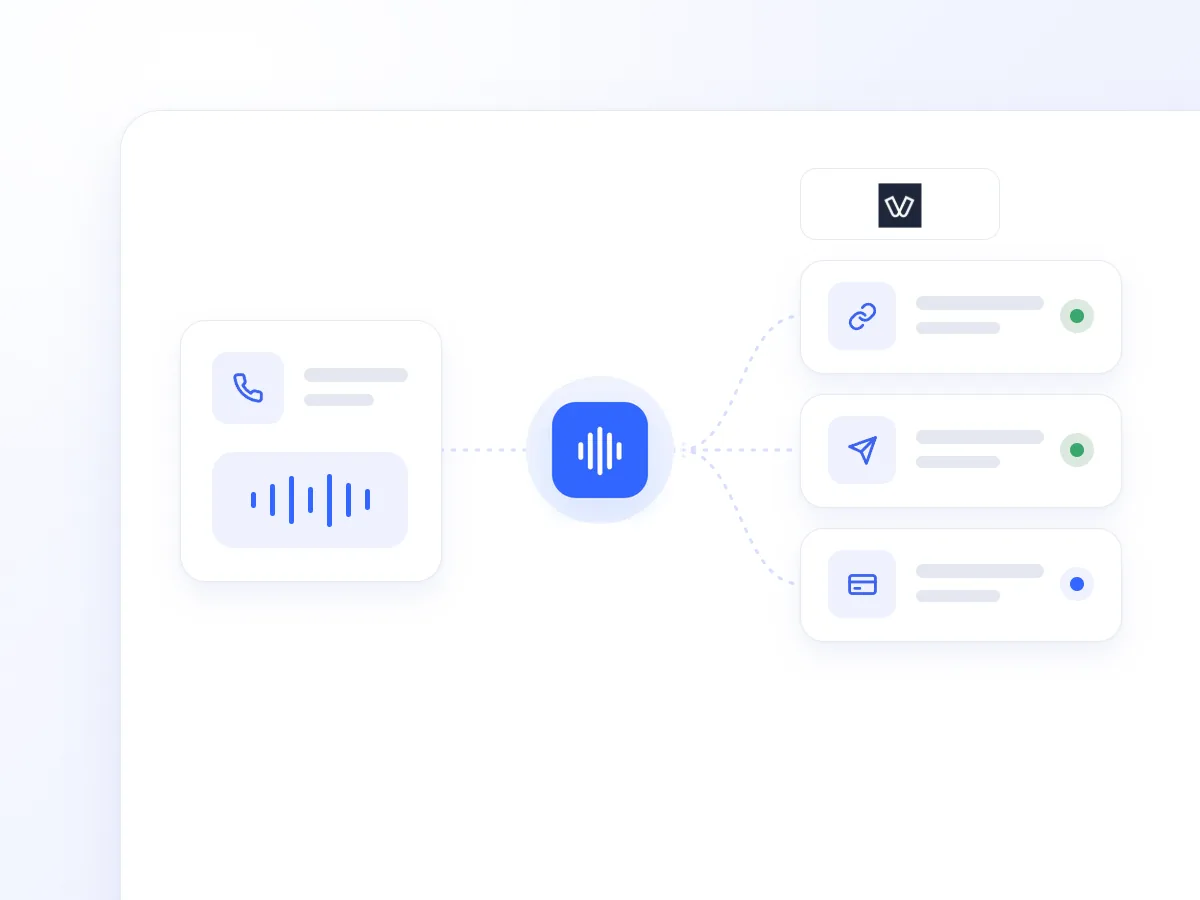
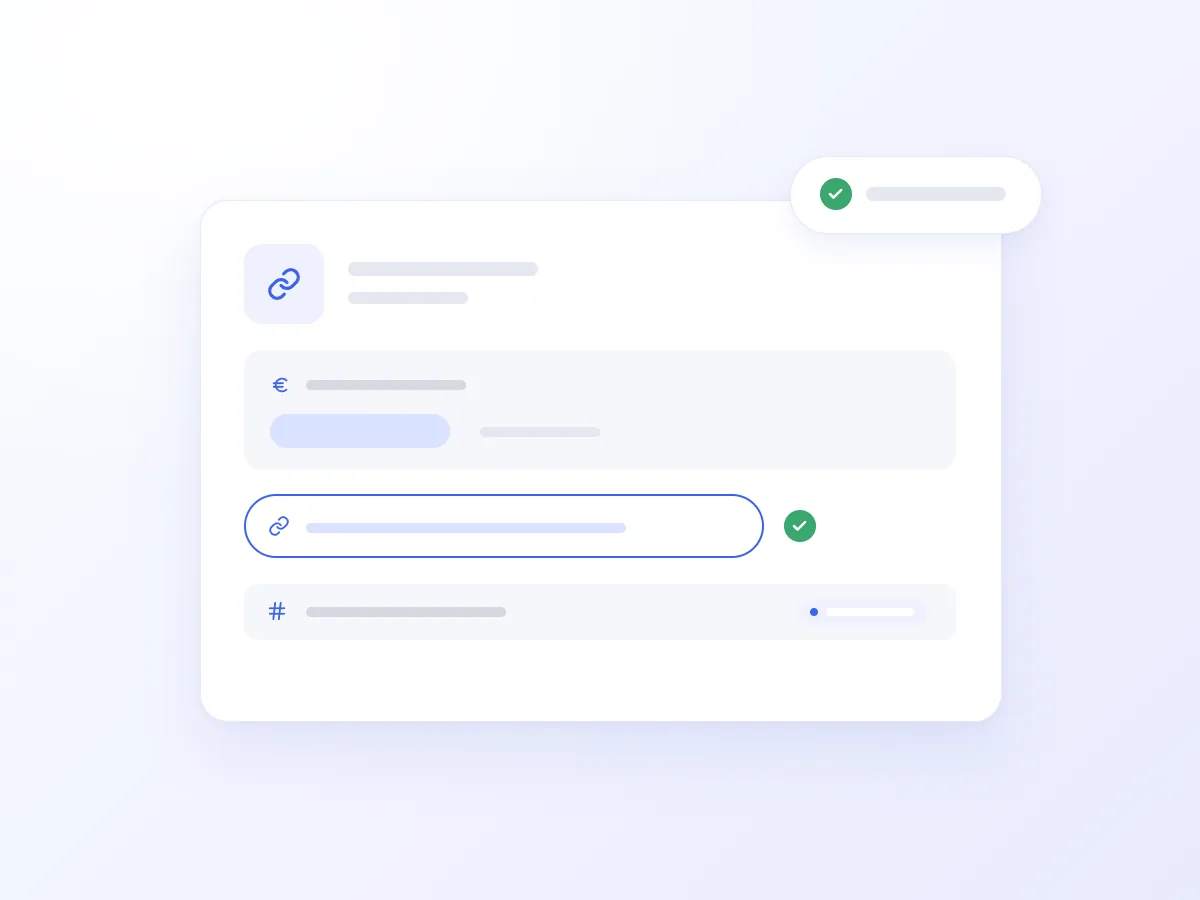
It creates a Viva Smart Checkout link on your connected merchant account, with the exact amount in euros, a payment description, and an orderCode reference for tracking.
It sends the link to the customer’s phone during the conversation, by SMS or Viber with automatic SMS fallback.
It can include the customer’s name, email address, and phone number, reducing manual entry. The checkout page supports Greek or English, and when an email address is provided, Viva sends the payment confirmation there.
The customer completes the payment on the Viva Smart Checkout page. Card details are entered there and do not pass through the phone conversation.
Links expire automatically, with a default duration of 30 minutes. You can adjust the duration to match your business policy.
A customer completes their phone order and asks to pay immediately. The AI Voice Agent confirms the amount, creates a link with the relevant description, and sends it to their mobile.
The customer opens Viva’s checkout page and pays by card or digital wallet while the Agent stays on the line. There is no need to dictate bank or card details.
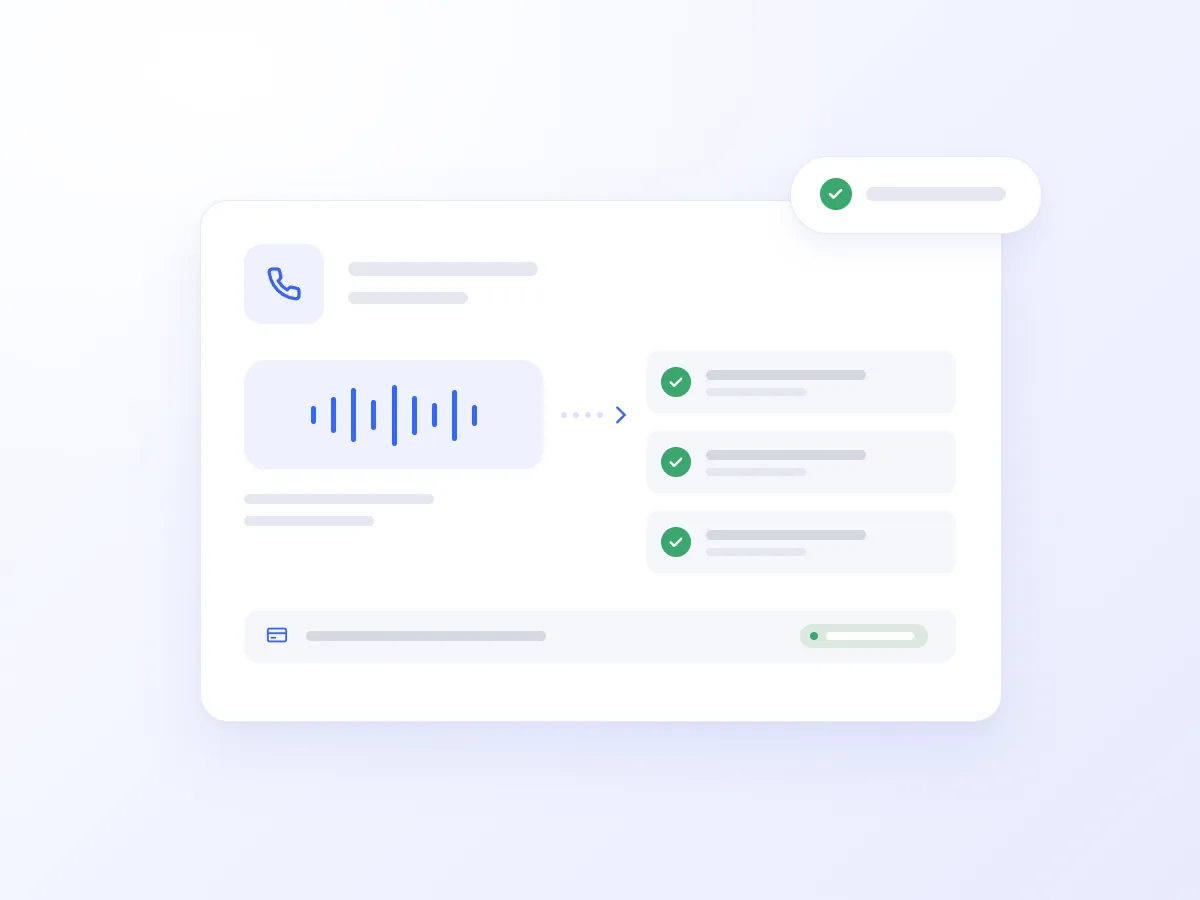
It sends a link for the agreed order amount, allowing the customer to pay during the same call.

It creates a link for the required deposit and explains how long it remains valid, according to your booking policy.
Combined with ERP integrations and payment reminder campaigns, it gives customers the option to settle their balance through a payment link during the conversation.
When a customer accepts a quote, it sends a link for the corresponding amount, reducing the additional steps needed to pay.
Combined with your ordering workflow, it allows the Agent to take orders and send payment links when your team is unavailable.
Give customers a way to pay when they agree to a purchase or booking.
Reduce the need to send bank details and make repeated payment reminders.
Each link includes a description and orderCode for easier tracking.
Payment takes place on Viva Smart Checkout, outside the phone conversation.
Getting connected takes just a few steps:
Open Artificial Intelligence → Integrations in Voice Logica.
Add the Viva Payments integration.
Connect your Viva merchant account.
Enable the Viva payment tool for your AI Voice Agent.
Set your defaults for link expiry and checkout language, then make a test call.
Your AI Voice Agent is now ready to create and send payment links during conversations.
No. The customer enters their details only on the Viva Smart Checkout page. Card details do not pass through the conversation and are not stored by Voice Logica.
Yes. A Viva merchant account is required. Payments are processed by Viva through Smart Checkout.
By SMS or Viber with automatic SMS fallback, while they can remain on the line. They open the link and pay by card or digital wallet.
The default duration is 30 minutes and can be adjusted to match your policy. Once it expires, the link is no longer active.
Discover how the integration can work for your business, with payment links for orders, deposits, accepted quotes, and outstanding balances.
Updated: