Project change requests
It records changes to websites, creative assets, or other deliverables as cards on the relevant board, with a description, owner, and due date.
Connect Voice Logica with Trello and turn phone requests into organised task cards.
The AI Voice Agent creates cards with call context, assigns owners, sets due dates, and updates existing requests. It also looks up task progress and updates callers through natural conversations, around the clock.
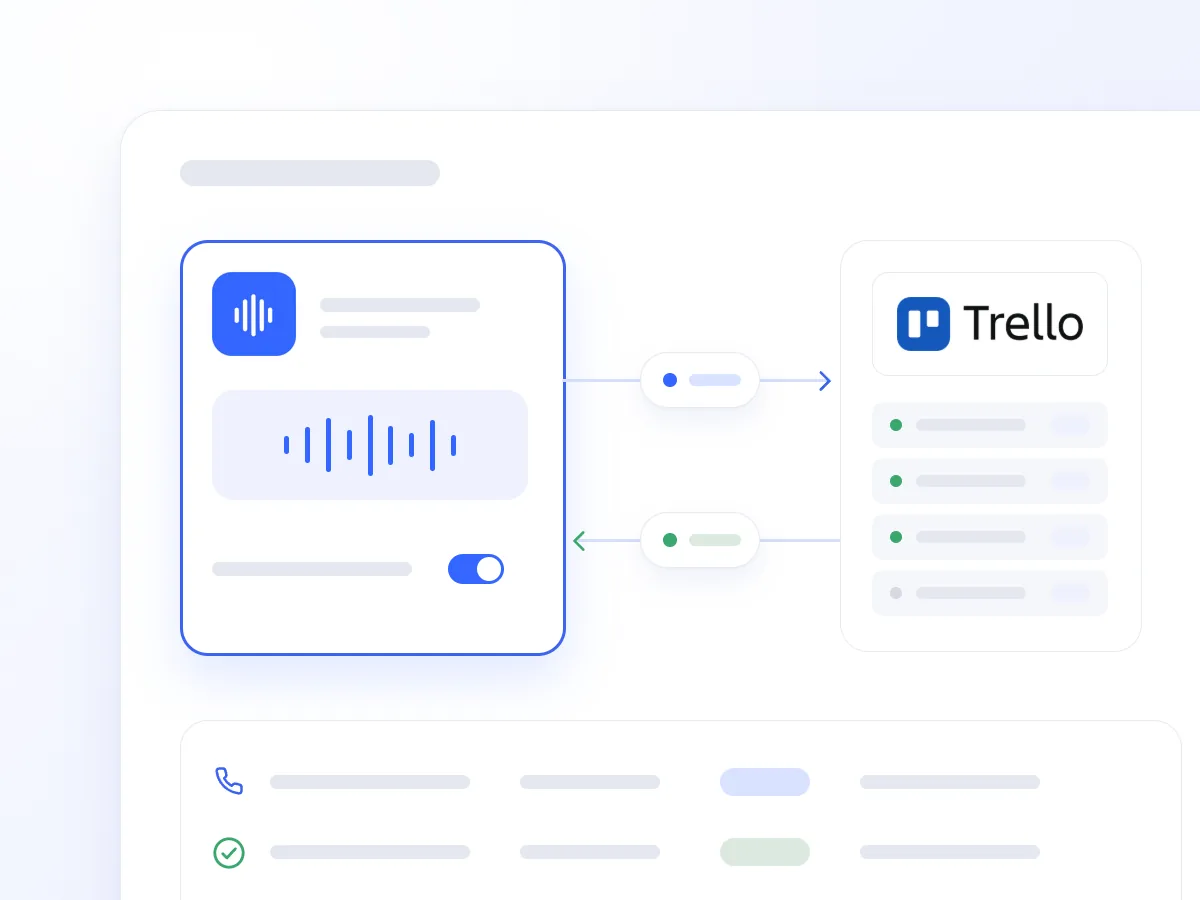
A repair request, a project change, or a task status enquiry often requires notes followed by manual entry in Trello. Delays can leave important details off the card or a request without an owner.
The integration allows the AI Voice Agent to capture and update tasks during or immediately after the conversation, following the rules you set for your boards and lists.
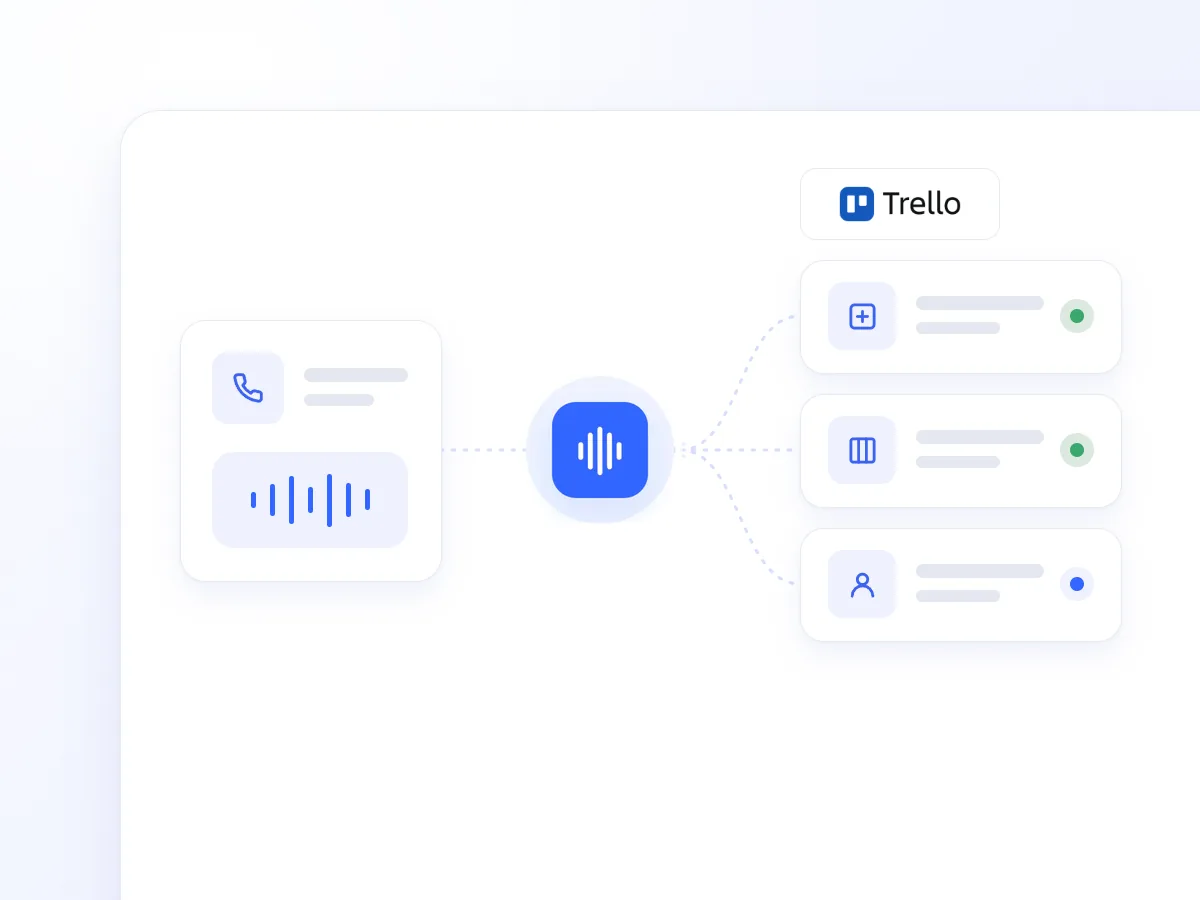
It creates cards in your chosen list, with a clear title, a Markdown description, request details, a due date, and assigned members.
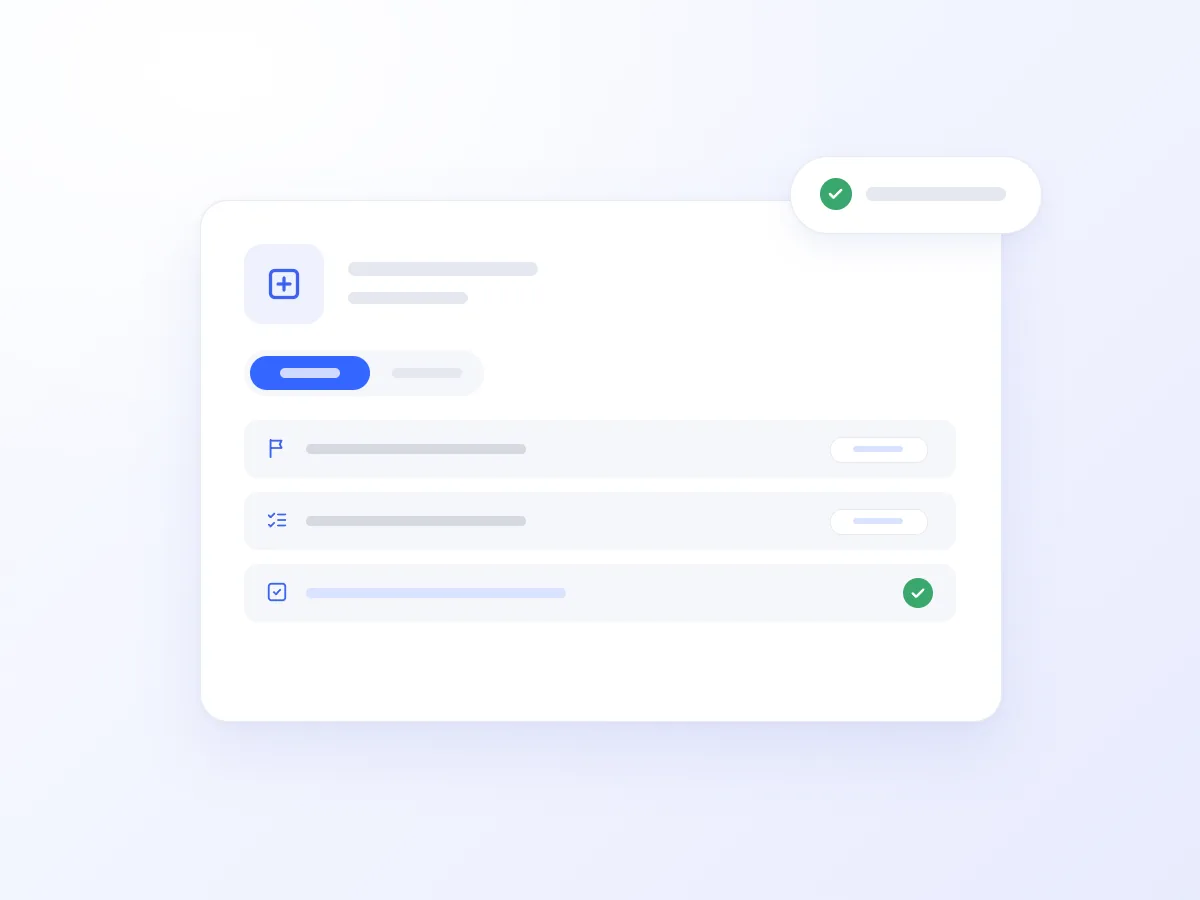
It searches for cards, reads their details and comments, and updates callers on their requests. It can also list available boards, lists, and cards.
It changes details such as descriptions and due dates and moves cards between lists as requests progress, following your workflow.
It records additional information, changes, and agreed actions as comments on the existing card, keeping the communication history in one place.
It adds or removes card attachments, keeping relevant files together with the task.
It looks up board members and adds or removes card owners according to your assignment rules.
A tenant calls about a leak in their apartment. The AI Voice Agent records the address and problem description, creates a card in the correct list, and assigns an owner and due date according to your process.
On a follow-up call, it finds the same card and updates the tenant using the available details and the technician’s comments. It adds the new conversation as a comment and, where your workflow requires it, moves the card to the appropriate list.
It records changes to websites, creative assets, or other deliverables as cards on the relevant board, with a description, owner, and due date.
It collects the address, contact details, and fault description and creates a card for the appropriate technician, following your assignment rules.

It finds the card and updates the caller using its list, details, and latest relevant comments. It can also log the new call.

Combined with missed-call workflows, it creates cards in a callback list with the caller’s number and any available request details.

It answers calls when your team is unavailable and organises requests in the appropriate lists, with owners and due dates based on your instructions.
Turn call content into cards and comments without retyping.
Organise requests with owners, due dates, and a defined place in your workflow.
Answer using information recorded in Trello and keep follow-up conversations on the same card.
Getting connected usually takes just a few steps:
Open Artificial Intelligence → Integrations in Voice Logica.
Add the Trello integration and connect your Trello workspace.
Enable the Trello tool for your AI Voice Agent.
Explain how your board works to the Agent. For example, new requests should go into New Requests, be assigned to the on-call member, and receive a due date for the following day.
Optionally, combine the integration with call analysis and missed-call workflows to create cards using the available details from each interaction.
Your AI Voice Agent is now ready to capture and manage phone requests in Trello.
The Agent can find and read boards, lists, and cards, create and update cards, move them between lists, add comments, manage attachments, and assign or remove members.
It can include a title, a Markdown description with the call context, a due date, and assigned members. If call analysis is enabled, its summary can also be included. Follow-up conversations are recorded as comments on the same card.
Yes. It finds the relevant card and uses its details and comments to answer during the conversation. It can also add a comment recording that the customer called again.
Yes, when combined with the relevant missed-call workflows. The card includes the caller’s number and any additional information available, helping your team organise the callback.
Discover how the integration can work for your team, with automatic card creation, task assignment, and customer updates based on board information.
Updated: