
Appointments during busy periods
The AI Voice Agent handles additional calls, suggests available Outlook slots, and books the meeting, sending an invitation to the customer.
Connect Voice Logica with Microsoft 365 and automate phone bookings in Outlook and notifications in Microsoft Teams.
The AI Voice Agent checks availability, books and reschedules appointments, looks up contacts, and sends Outlook invitations with Teams links for online meetings. It also notifies selected channels about leads and requests that need human attention.
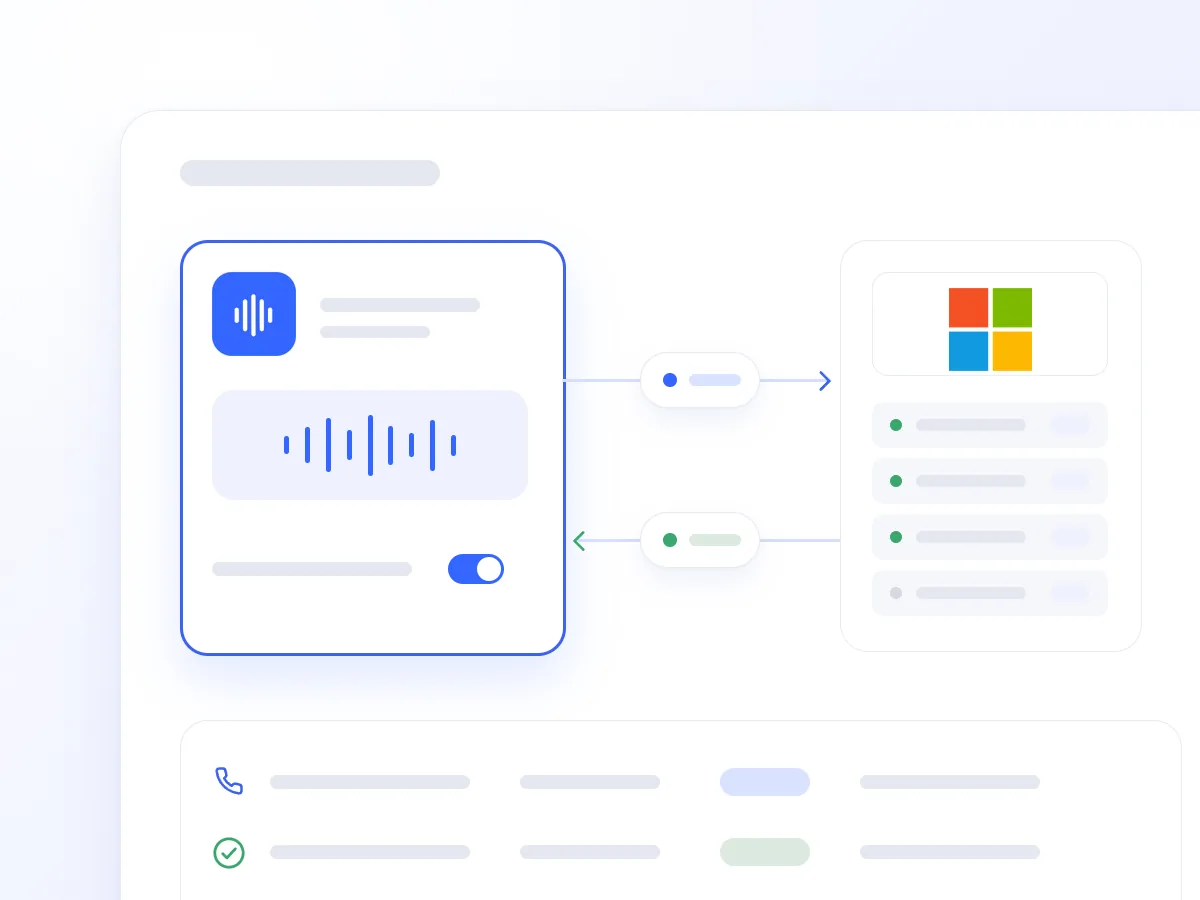
Finding an available time, sending an invitation, and briefing colleagues often require separate steps. Outside business hours, a meeting request may wait until the following day.
The Microsoft 365 integration allows the AI Voice Agent to complete these steps during the conversation. The booking is added to Outlook, and relevant information reaches your chosen Teams channel.
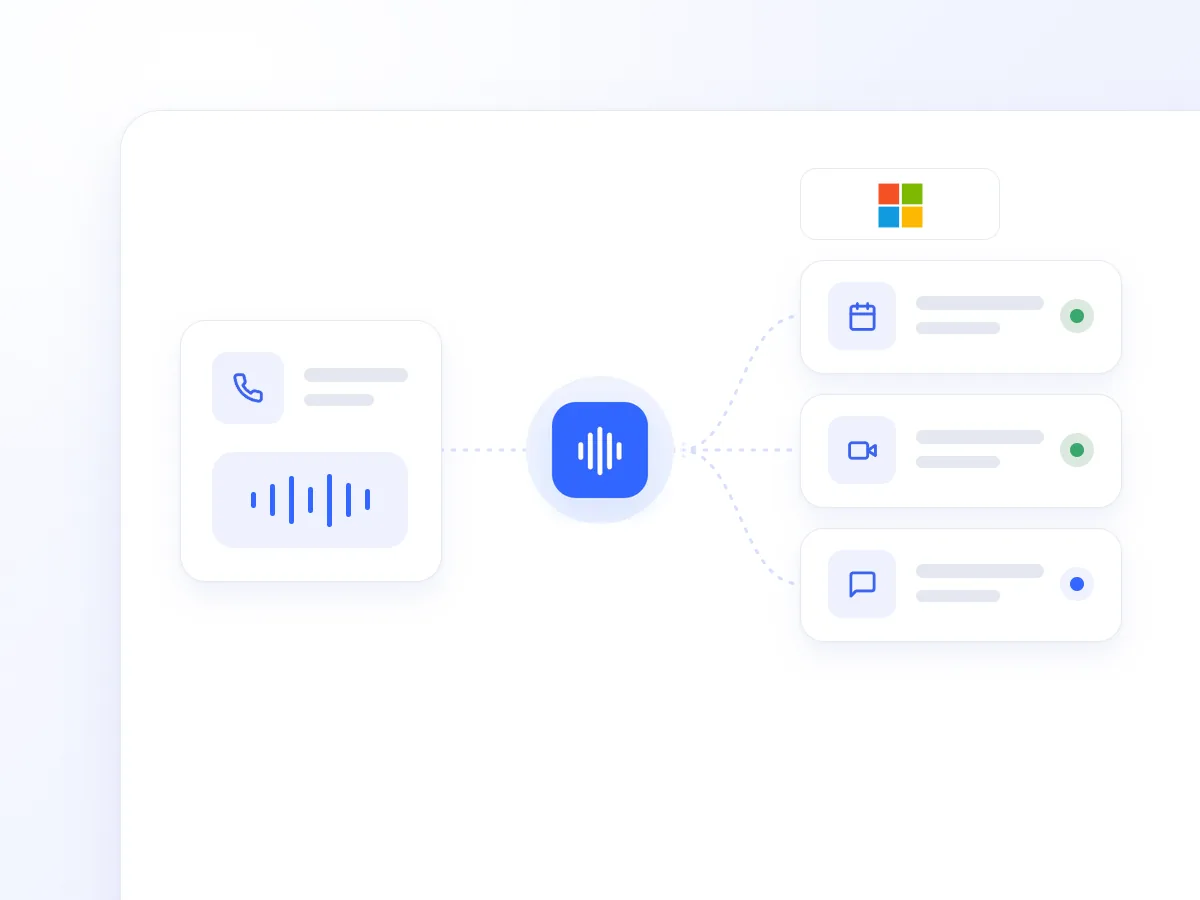
It retrieves calendars from the connected account and upcoming events. It checks available times before suggesting options to the caller.
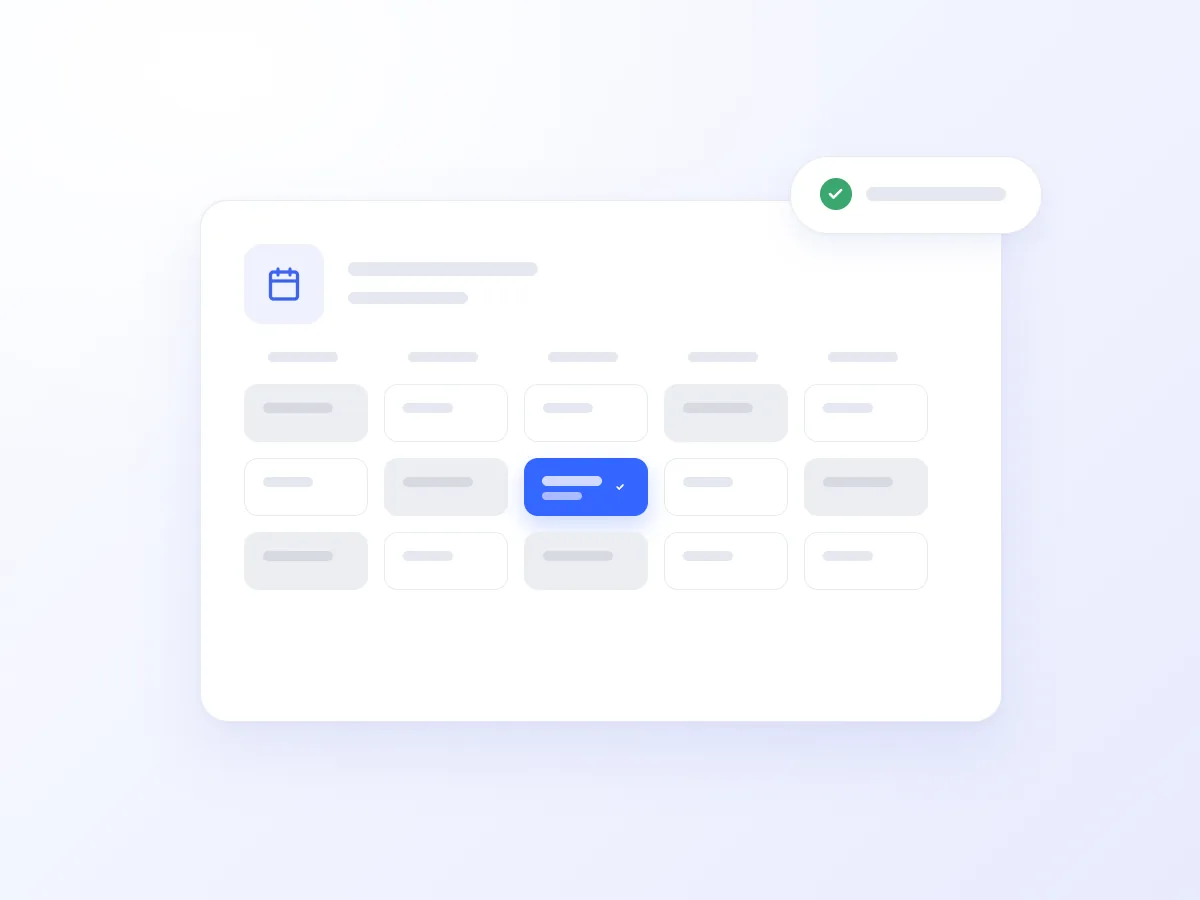
It creates an event with a title, duration, start and end times, location, and notes from the conversation. The booking includes an explicit time zone, such as Europe/Athens.
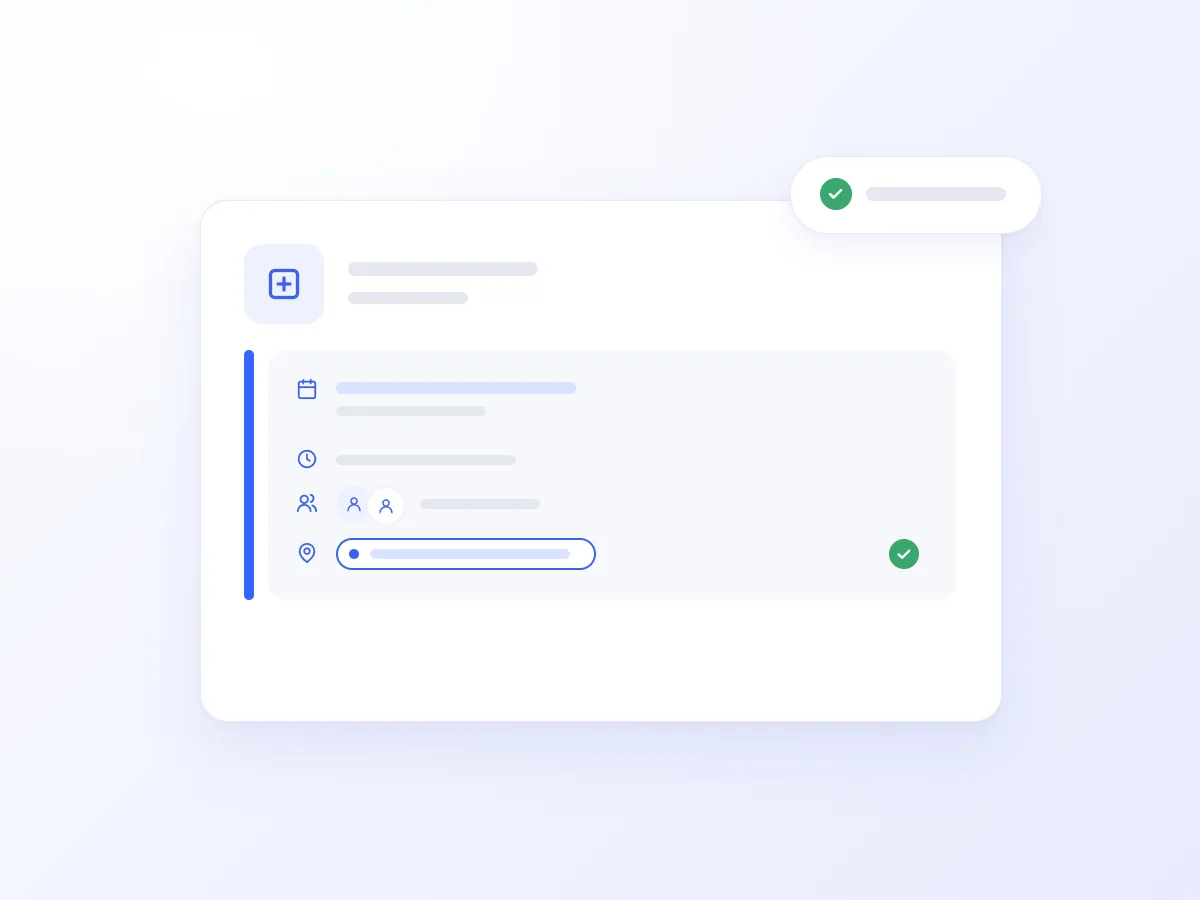
Attendees receive an Outlook invitation for the appointment. For online meetings, the Agent adds a Microsoft Teams link to the event.
It moves the meeting to a new day or time, updating the existing event and invitation without creating a second booking.
It searches contacts by name or part of an email address and retrieves available details, such as display names, email addresses, and phone numbers, to confirm booking information.
It retrieves teams and channels and posts notifications about new leads, escalations, and important calls to your chosen channel, as the connected account.
A prospect calls outside business hours to arrange an online meeting. The AI Voice Agent checks available times, confirms the email address, and books the appointment with a Teams link.
It can then notify the sales channel with the prospect’s details, meeting time, and discussion topic. Your team finds the booking and relevant information in the tools it already uses.
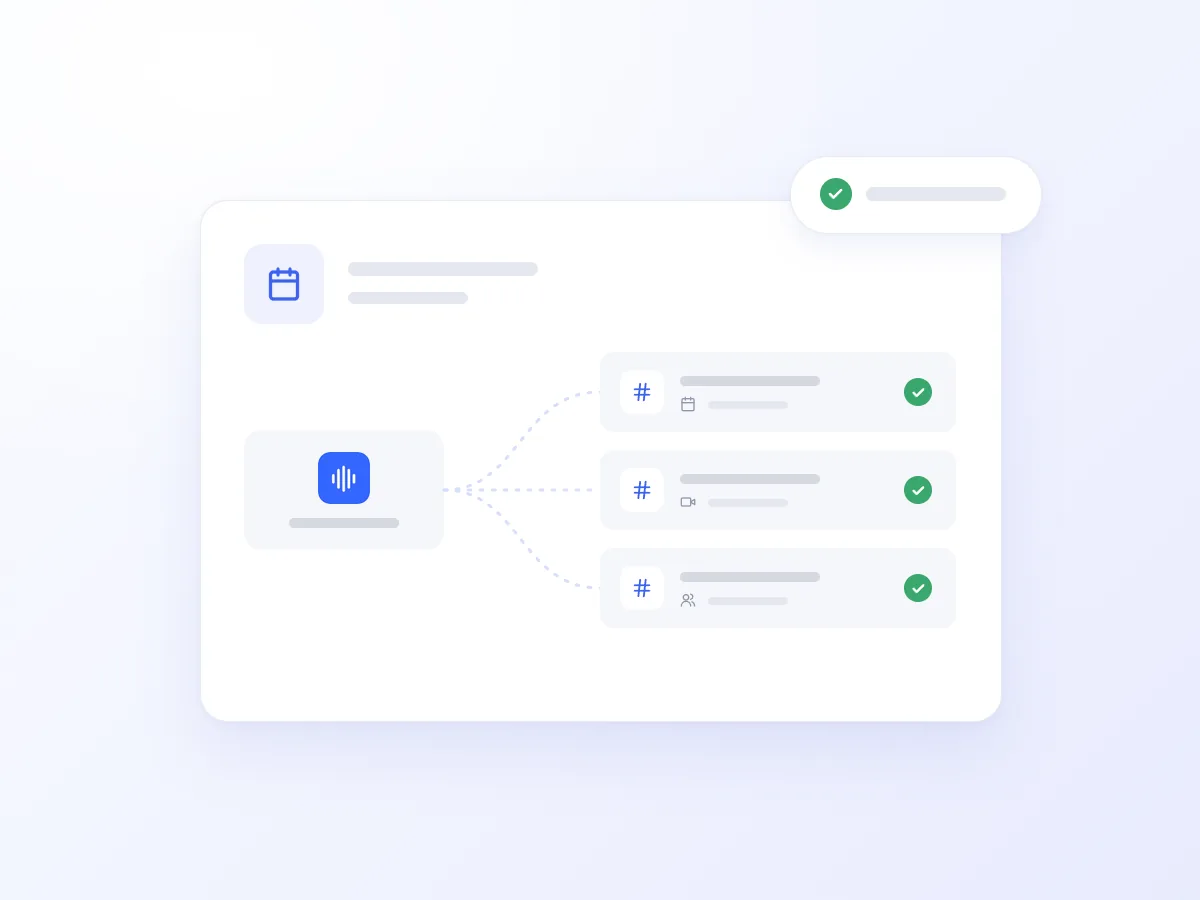
The AI Voice Agent handles additional calls, suggests available Outlook slots, and books the meeting, sending an invitation to the customer.
It checks availability and moves the existing appointment, updating the invitation without creating a duplicate calendar entry.

It finds the customer in Outlook contacts and confirms the email address on file, ensuring the invitation goes to the right address.

Combined with outbound campaigns, it confirms scheduled meetings, changes times on request, and notifies Teams about cancellations that need follow-up.
Reduce time spent checking availability, booking, and rescheduling appointments.
Keep the time, location, notes, and Teams link together in the Outlook event.
Handle phone requests outside business hours and notify the appropriate Teams channel.
Getting connected takes just a few steps:
Open Artificial Intelligence → Integrations in Voice Logica.
Select Microsoft 365 and click Connect.
Sign in through the Microsoft authorisation link and grant access to the account the Agent will use.
Enable the Outlook and Teams tools for your AI Voice Agent, then specify which calendar to book into and which channel to notify.
Make a test call and check that the event appears in Outlook and the alert appears in Teams.
Yes. When added as an attendee, the caller receives an Outlook invitation, including a Teams link if the meeting is online.
No. The integration posts to the channels you choose. It does not read channel messages, chats, or direct messages.
Events include an explicit time zone, such as Europe/Athens, so the booking has clearly defined start and end times.
Discover how the integration can work for your business, with Outlook bookings, online meetings, and notifications in your team’s Teams channels.
Updated: