Customer bug reports
The AI Voice Agent records the problem and the conditions in which it occurs in a new Jira issue, then gives the caller the issue key.
Connect Voice Logica with Jira and turn phone reports into structured issues.
The AI Voice Agent can look up requests, create new issues, add comments, and change their status during the conversation. Callers receive an issue key, and your team finds the relevant information in Jira, with less manual data entry.
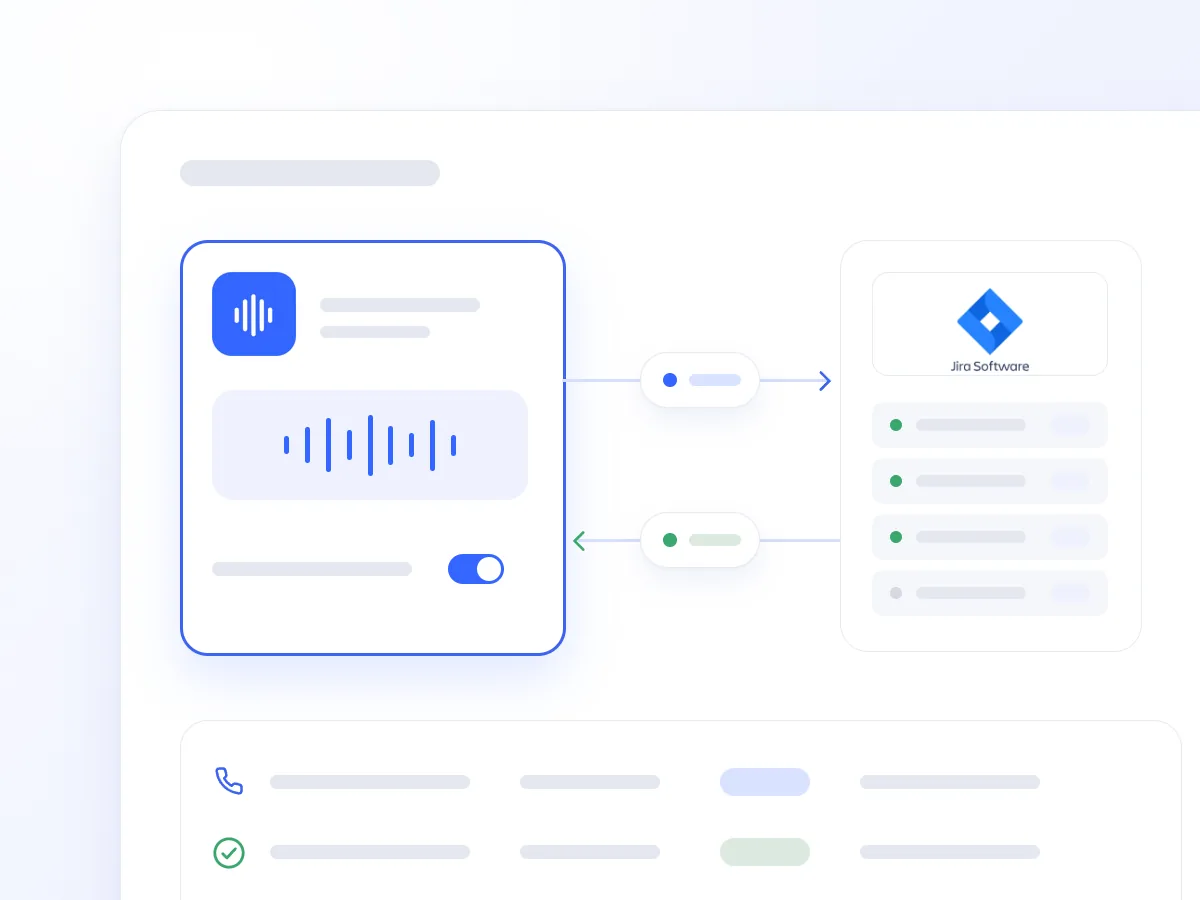
A bug report needs a clear description and enough detail to investigate. When it is logged after the call, information can be missed, requiring another conversation.
The Jira integration allows the AI Voice Agent to capture requests during the call and update existing issues. Support, engineering, and operations teams receive the relevant information in the tool they already use.
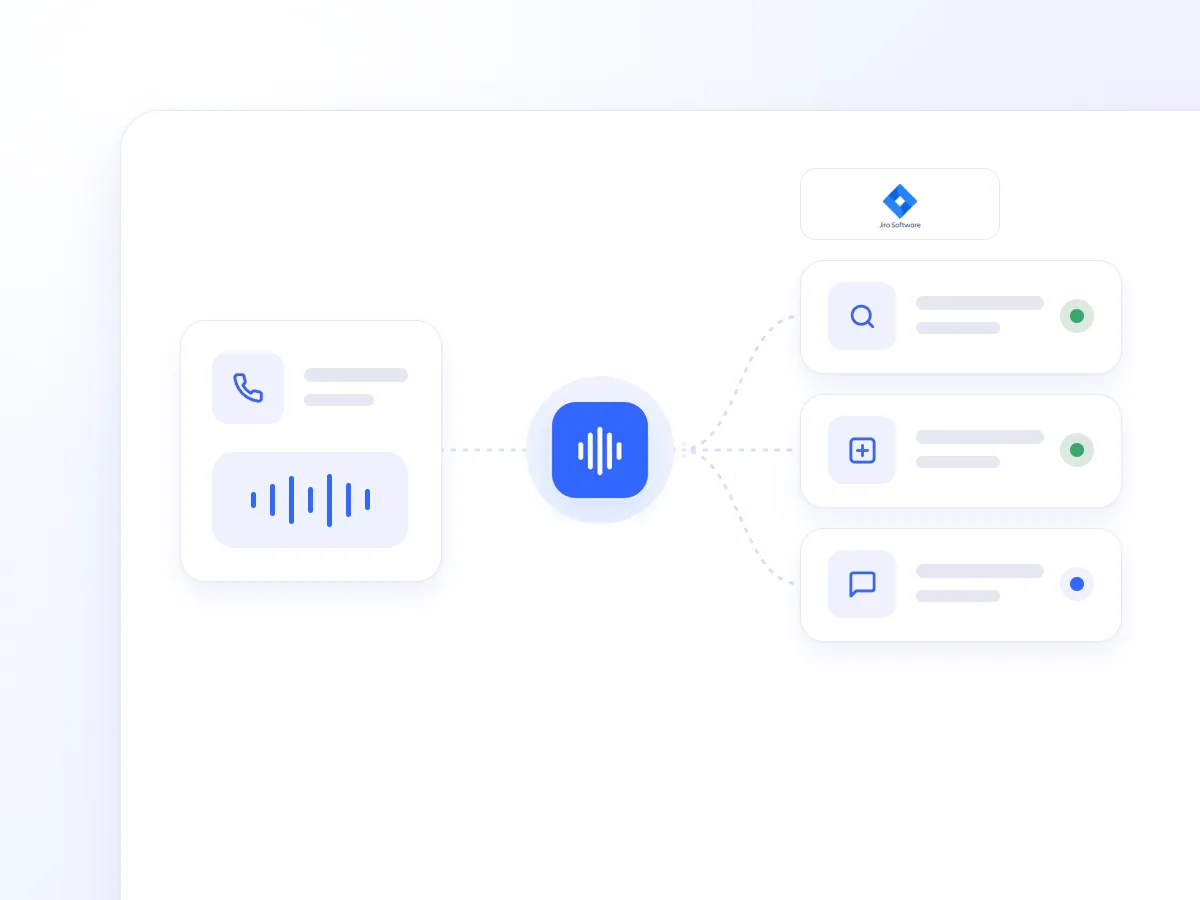
It retrieves an issue by its key and reports the summary, status, and available details, helping callers check an existing request.
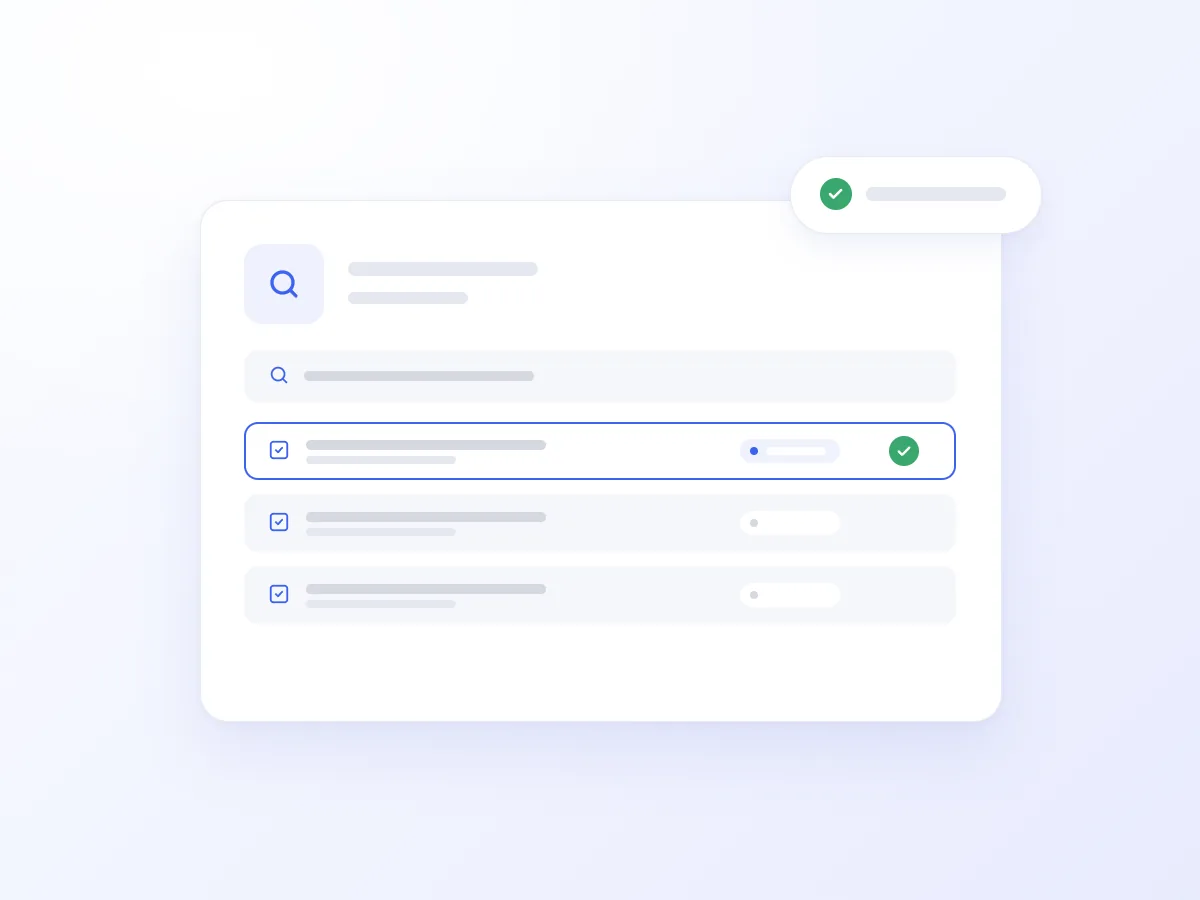
It turns the caller’s report into an issue with a summary and structured description. It logs the request in Jira and confirms the issue key during the call.
It adds clarifications, new information, and steps to reproduce a problem as comments on the existing issue, keeping its history up to date.
It performs permitted status transitions, such as reopening, progressing, or closing an issue, according to the configured workflow and permissions you have defined.
A caller reports that a feature is not responding. The AI Voice Agent asks when the problem occurs and records the summary and details in Jira.
Before the call ends, it can add further comments and update the status, where permitted. The caller receives the issue key, and your team has the information needed to investigate.
The AI Voice Agent records the problem and the conditions in which it occurs in a new Jira issue, then gives the caller the issue key.
It looks up the issue using the key provided by the caller and reports its current status and available details.
It records new details and reproduction steps as comments, making the caller’s clarifications available to the team.
It updates the status through permitted transitions and adds a comment when the caller reports that a resolved problem has recurred.
It creates an issue for a problem reported at night or outside business hours, recording the description and impact for the team that will handle it.
Keep summaries, descriptions, and additional information in the relevant issue.
Reduce the need to transfer phone conversation notes into Jira.
Record comments and permitted changes as the call progresses, even outside business hours.
Getting connected usually takes just a few steps:
Open Artificial Intelligence → Integrations in Voice Logica.
Add the Jira Integration.
Authorise the single shared Jira connection for your company.
Enable the Jira tool for your AI Voice Agent.
Choose which actions the Agent may perform, from read-only lookups to creating issues, adding comments, and transitioning statuses.
Your AI Voice Agent is now ready to manage issues using live Jira data.
Yes. You decide whether the Agent only performs lookups or can also create issues, add comments, and perform status transitions.
No. The integration uses one shared Jira connection for your company, without requiring a separate connection for each Agent.
Voice Logica supports Greek and multiple additional languages, allowing the same AI Voice Agent to capture and manage requests from local and international callers.
Discover how the integration can work for your business, with bug reporting, issue updates, and status changes through phone conversations.
Updated: