Instant alerts for high-intent leads
The AI Voice Agent sends the caller’s details and interest to the sales space, helping the team arrange the next conversation.
Connect Voice Logica with Google Chat and notify your team about important calls in the spaces they already use.
The AI Voice Agent can send alerts about leads, requests that need human attention, and important call outcomes. Messages are posted during or immediately after the call to the appropriate sales, support, or operations space.
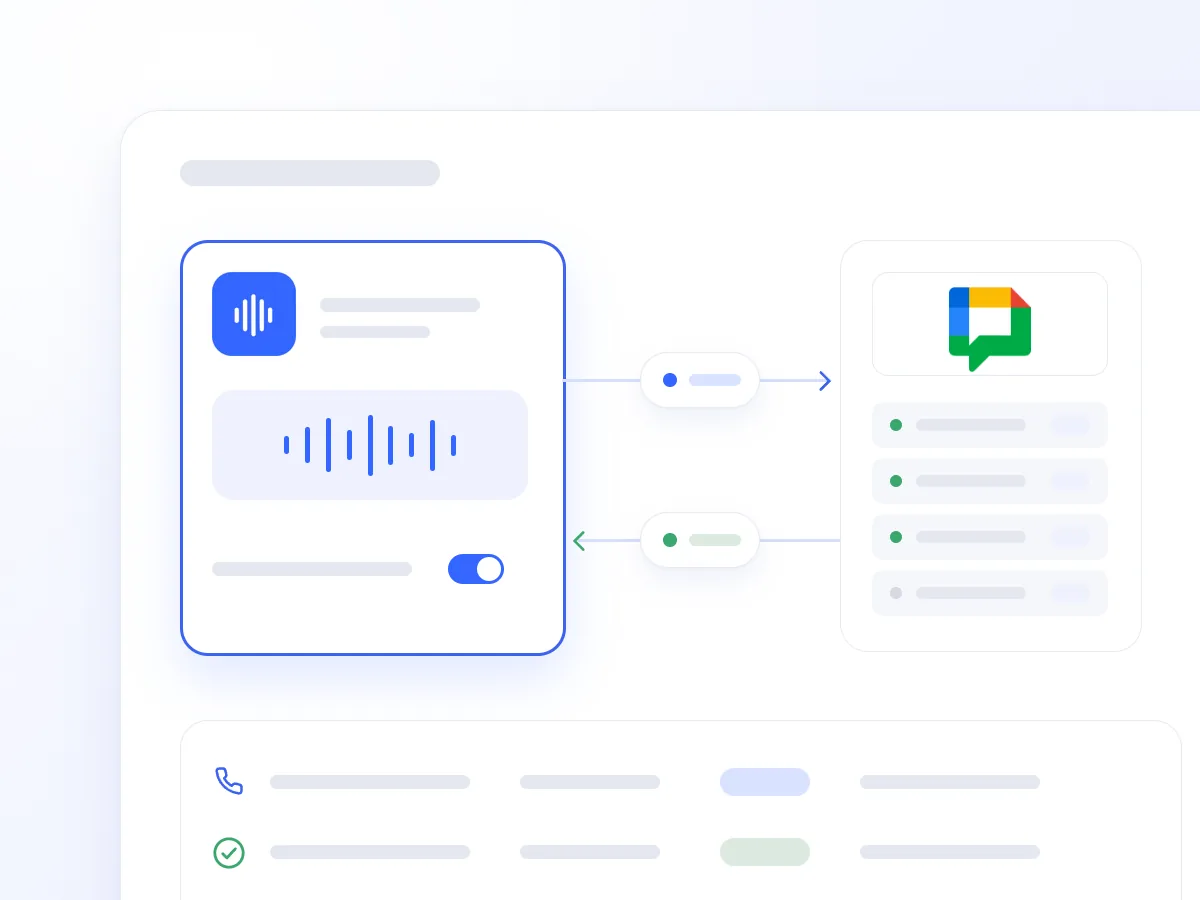
A prospect wants to speak with sales today. A customer needs a manager for an urgent issue. When the information stays in call notes, your team may see it too late.
The Google Chat integration sends these details to the spaces your colleagues monitor. Notifications include the available caller details, the reason for calling, and the follow-up needed.
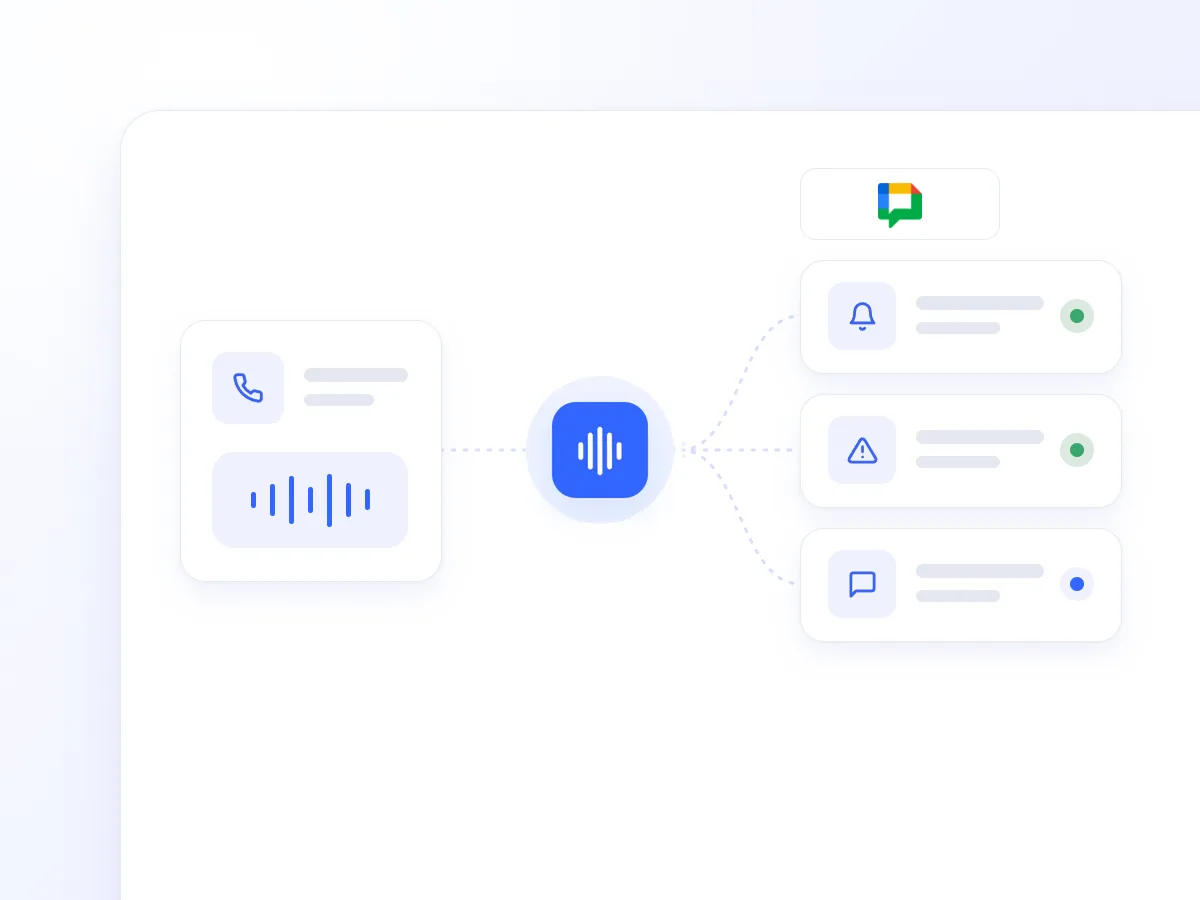
It alerts sales when a caller shows strong buying intent or requests contact, helping the team arrange timely follow-up.
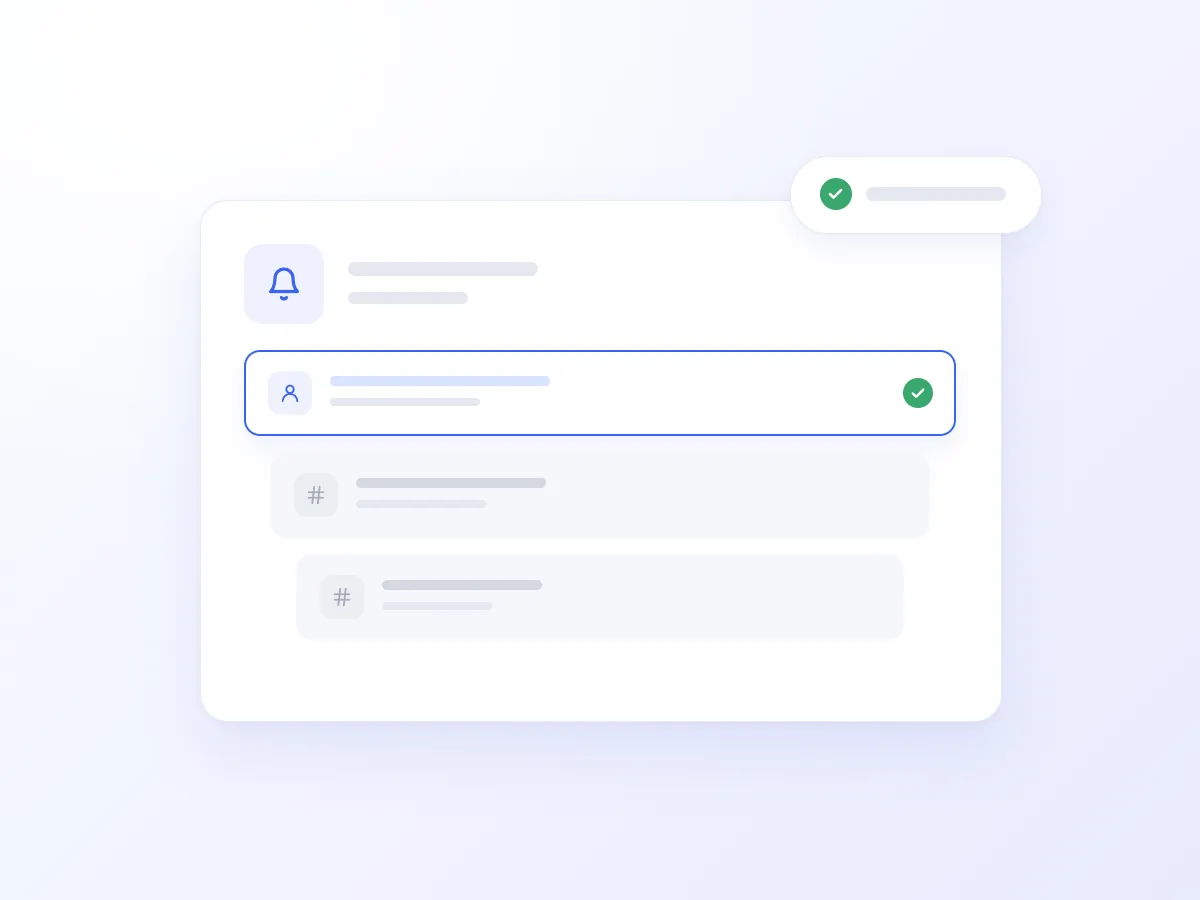
It sends an alert when a caller asks for a manager, reports an urgent issue, or needs help beyond the AI Voice Agent’s responsibilities.
It posts concise updates about important requests and conversation outcomes during or immediately after the call.
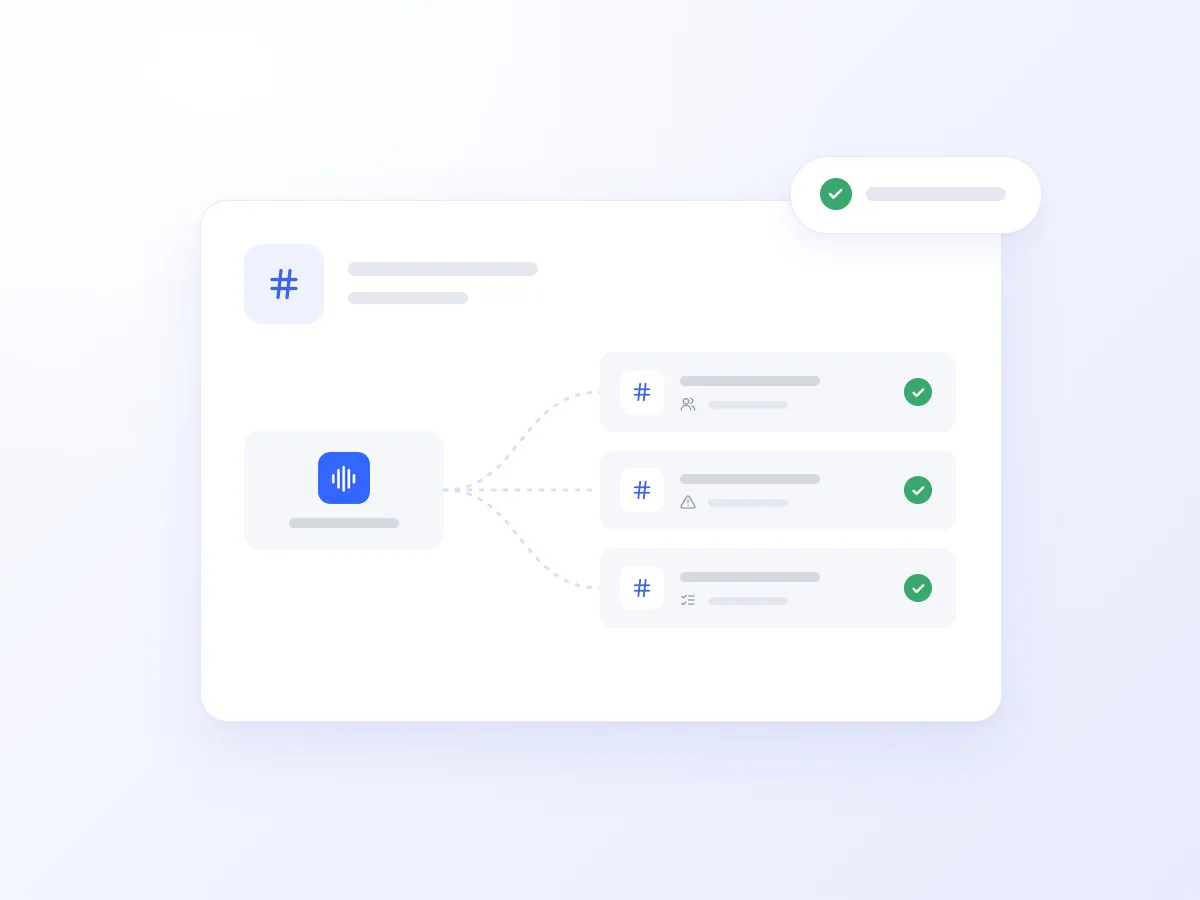
It routes each notification type to your chosen space: leads to sales, escalations to support, and operational updates to the relevant team.
A prospect says they are comparing suppliers and want to move forward soon. The AI Voice Agent can notify the sales space with their name, phone number, area of interest, and request for contact.
Your team has the information needed to follow up, without waiting for a later call review or a manual update.
The AI Voice Agent sends the caller’s details and interest to the sales space, helping the team arrange the next conversation.
It notifies the support space when a caller requests a manager, sharing their details and why human assistance is needed.
It notifies the account management team about a call from a key customer and their time-sensitive request, according to the configured workflow.
It sends the prospect’s details and request to the selected space, so the team finds the update when they return.
Give your team timely information about leads and urgent requests.
Notifications are sent by the Agent or configured workflows.
Keep relevant alerts in the appropriate Google Chat spaces.
Getting connected takes just a few steps:
Open Artificial Intelligence → Integrations in Voice Logica.
Add a new Google Chat Integration.
Authorise the connection through Google OAuth.
Choose which spaces will receive alerts and enable the Google Chat tool for your AI Voice Agent.
Optionally, configure workflows to post updates automatically.
Your AI Voice Agent is now ready to keep your team informed in real time.
No. The integration sends messages from Voice Logica to your spaces. It does not read or reply to conversations in Google Chat.
Yes. You choose where each type of update is sent, for example leads to the sales space and escalation requests to the support space.
Yes. The Agent can send a message as soon as important information arises during the call, or post an update immediately after it ends.
Discover how the integration can work for your business, with alerts about leads, urgent requests, and important calls in your team’s spaces.
Updated: