Repeat wholesale orders
The AI Voice Agent identifies the existing customer, collects the requested items and quantities, and registers the new order in Galaxy.
Connect Voice Logica with SingularLogic / Epsilon Galaxy ERP and use your customer records and item catalogue in phone conversations.
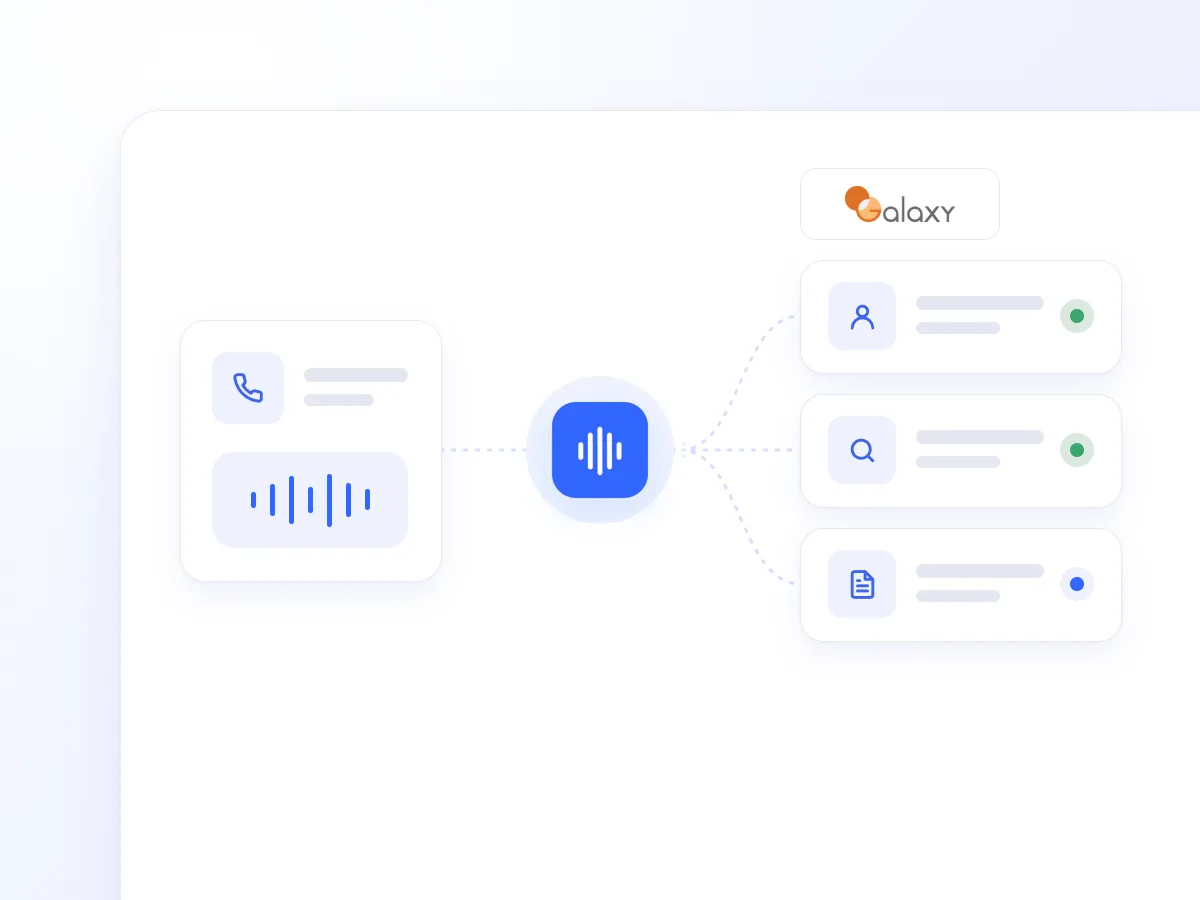
The AI Voice Agent can identify customers, look up items, and register sales documents directly in Galaxy through the Web API. Phone orders are captured without your team having to re-enter the details after the call.
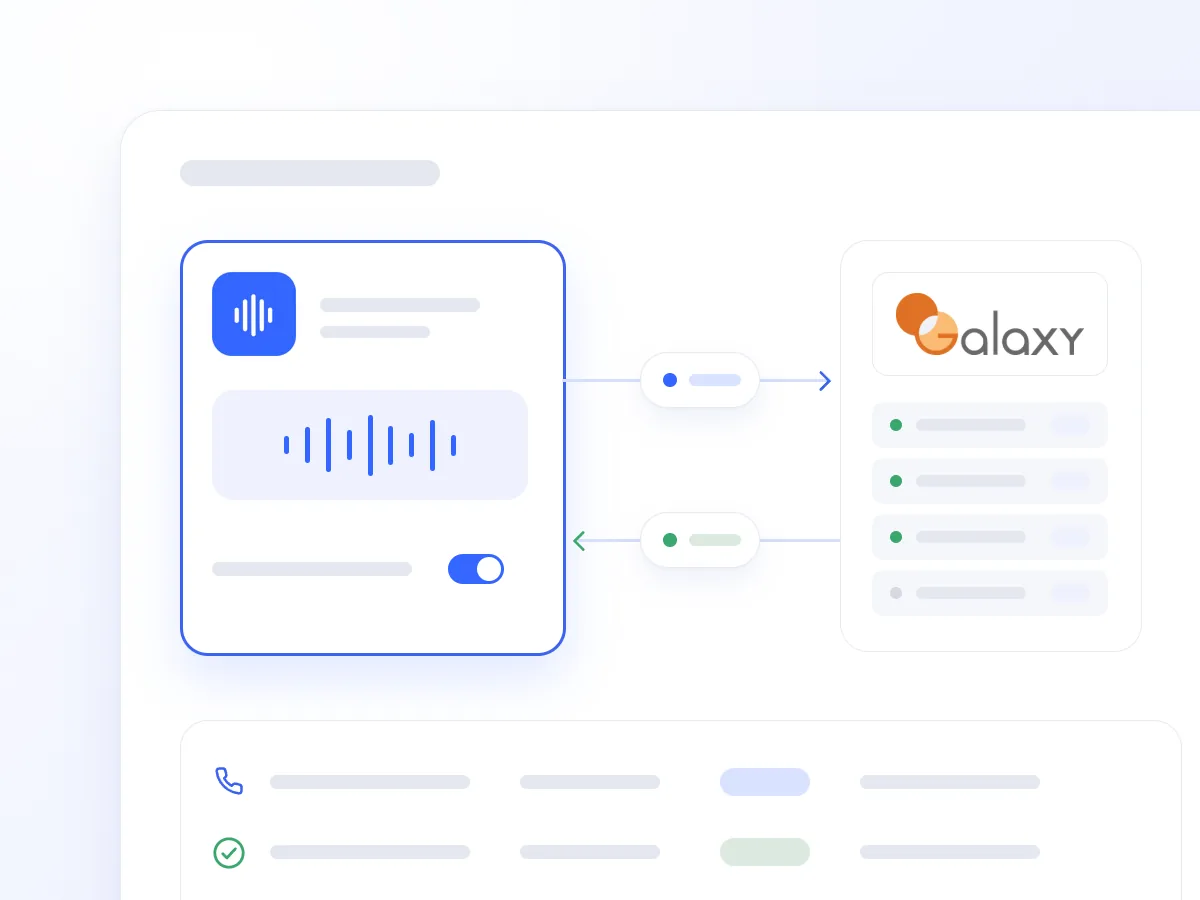
Finding a customer record, looking up an item code, and entering a phone order take time from your sales team. When handwritten notes come first, transferring the details into the ERP adds another step.
The Galaxy ERP integration allows the AI Voice Agent to retrieve relevant information and register the sales document during the conversation. It serves wholesalers, distributors, and service businesses using the general Galaxy ERP platform.
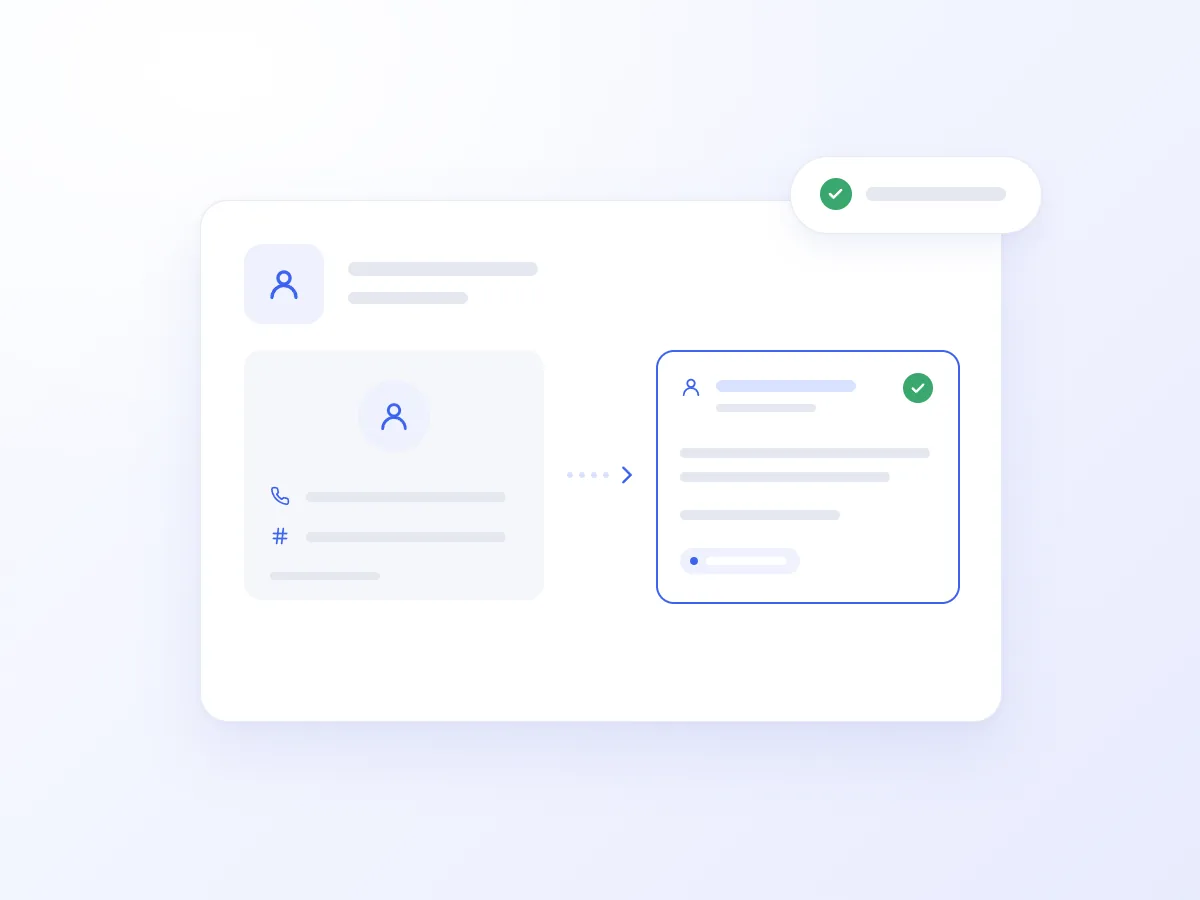
It locates the customer record using a phone number, VAT number, or customer code, linking the order to the right account.
It searches item names, descriptions, and codes using current Galaxy data. It confirms whether an item exists in the catalogue and how it is listed.
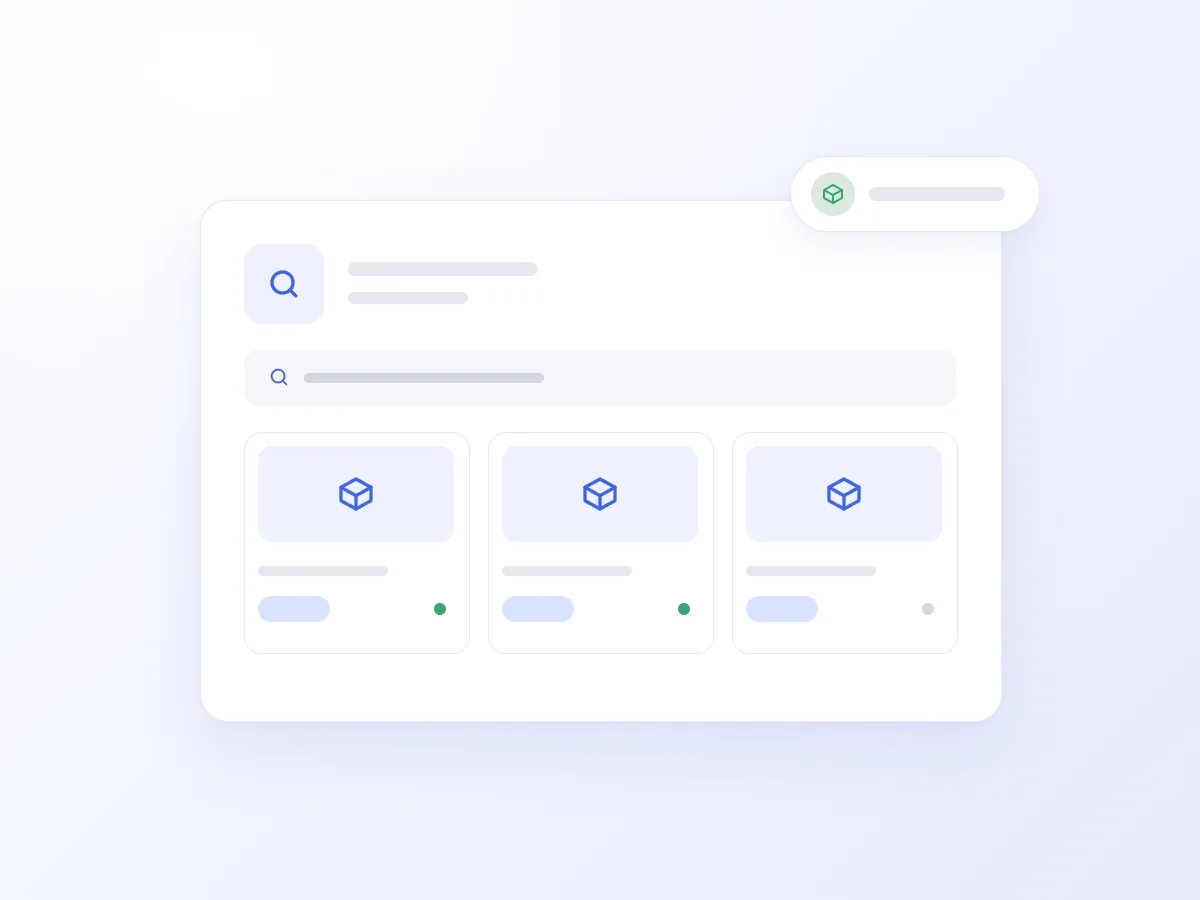
It adds items and quantities, confirms the order with the customer, and creates the authorised sales document through the Galaxy Web API.
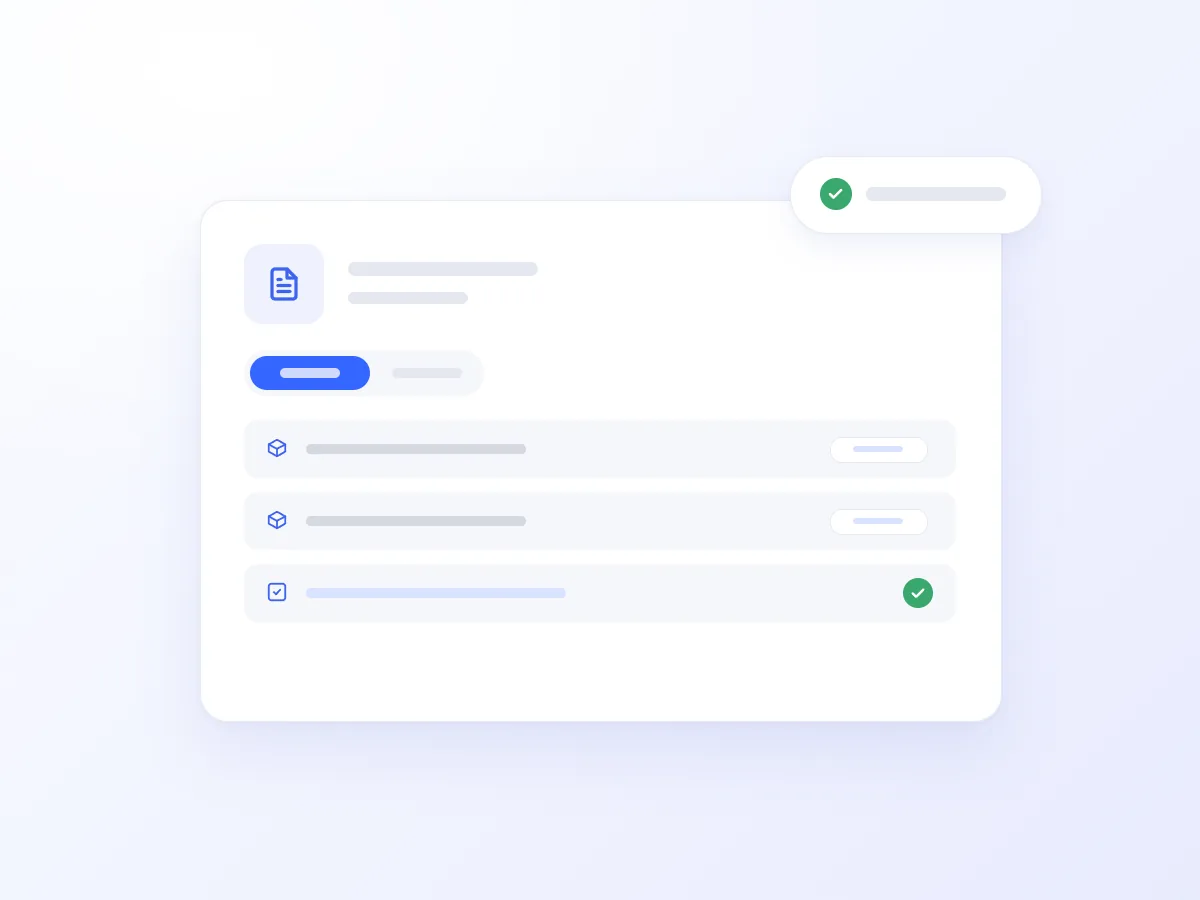
The customer describes the items and quantities they need. The AI Voice Agent finds their account, looks up the relevant item codes, and confirms the details with them before submitting the order.
The sales document is created directly in Galaxy, so your team can proceed with processing the order without transferring notes or entering the details again.
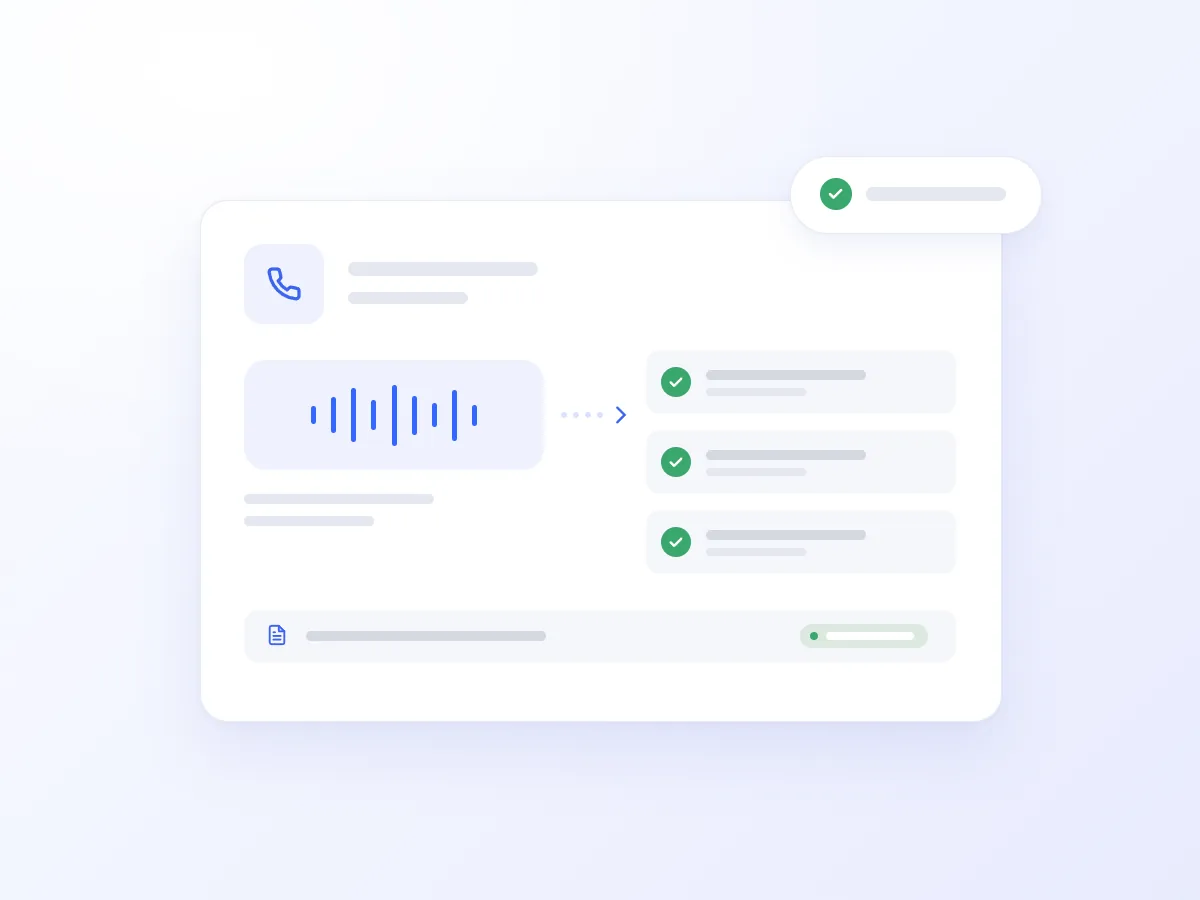
The AI Voice Agent identifies the existing customer, collects the requested items and quantities, and registers the new order in Galaxy.

It confirms whether a product is listed in the catalogue and retrieves its code and description, helping the customer proceed with the order.

It locates the customer record using the VAT number provided by the caller, reducing the need to search by company name.

It collects and confirms order details and creates the authorised sales document, even when the sales team is unavailable.
It handles additional calls during peak periods, allowing customers to look up items and place orders with access to Galaxy data.
Phone orders go directly into the ERP without retyping handwritten notes.
Reduce repetitive customer and item code lookups.
Let business customers place orders outside office hours, on weekends, and during public holidays.
Getting connected usually takes just a few steps:
Open Artificial Intelligence → Integrations in Voice Logica.
Add a new Galaxy ERP Integration.
Enter your Galaxy Web API connection credentials.
Enable the Galaxy tool for your AI Voice Agent.
Choose which actions the Agent may perform, such as searching the catalogue and creating sales documents.
Your AI Voice Agent is now ready to answer calls and register orders using live ERP data.
No. This integration connects to the general SingularLogic / Epsilon Galaxy ERP platform for wholesalers, distributors, and service businesses. Galaxy Drugstore has a separate connector for the pharmaceutical sector.
Yes. You define which actions remain read-only, such as customer or item lookups, and whether sales document creation is permitted.
Voice Logica supports Greek and multiple additional languages, allowing the same AI Voice Agent to serve local and international business customers.
Discover how the integration can work for your business, based on your item catalogue, customers, and phone ordering needs.
Updated: