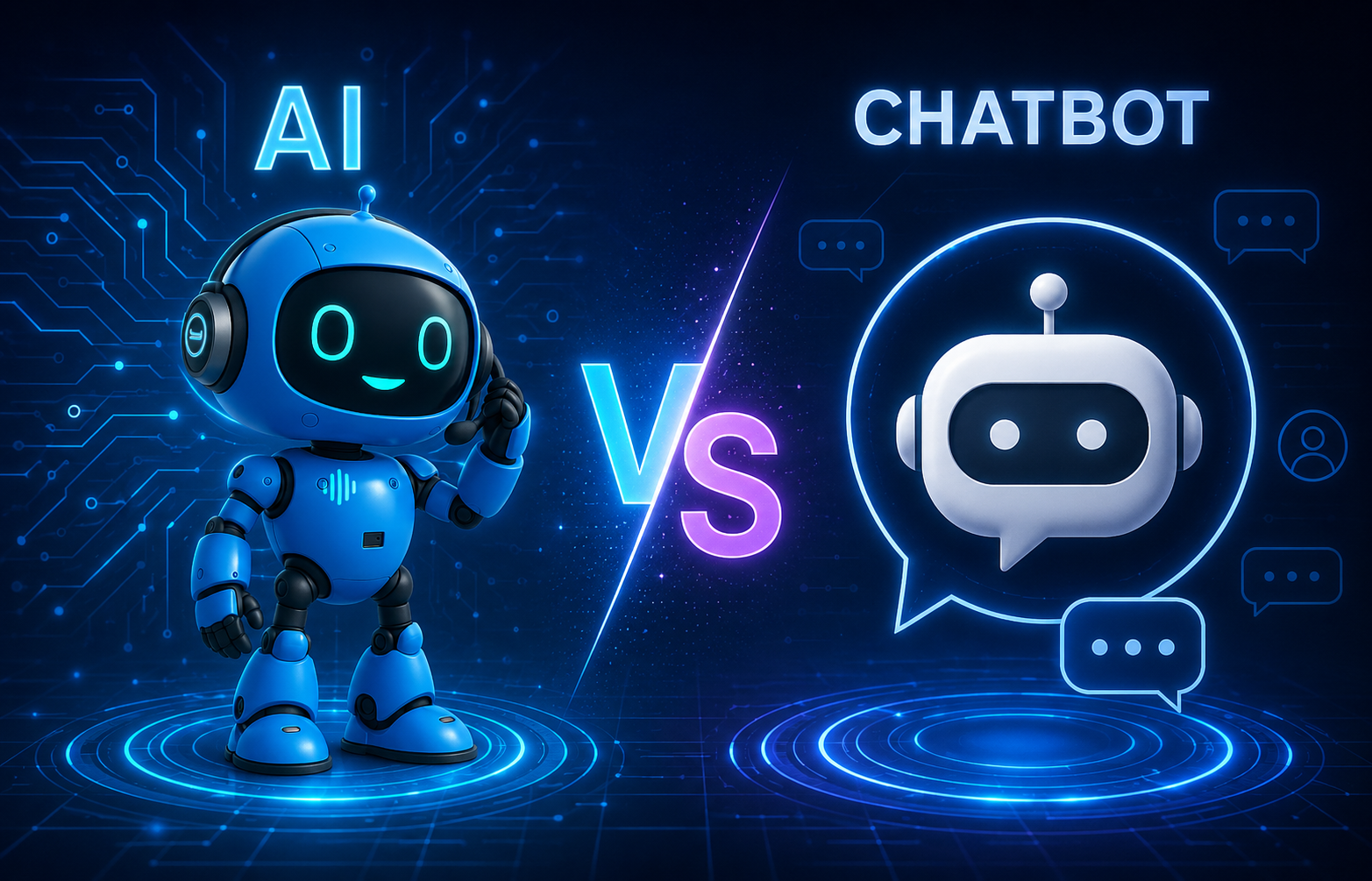
For years, chatbots have been the default entry point into conversational automation. They are easy to deploy, widely adopted, and familiar to users. For many organizations, “automation” has effectively meant “chat.” But that assumption is starting to break. Because not all interactions are meant to be typed. And not all problems are solved efficiently through chat. As Voice AI matures, a more important question is emerging: When is voice actually the better interface?
The Rise and Limits of Chatbots
Chatbots became popular for a reason.
- Are simple to implement
- Fit naturally into websites and apps
- Allow asynchronous interaction
- Work well for basic queries
For structured, low-urgency interactions, chat is often sufficient. But as usage scales, limitations become clear. Chat introduces friction:
- Typing takes time
- Conversations become fragmented
- Multi-step flows feel slow
- Users drop off when effort increases
What works for simple tasks becomes inefficient for anything more dynamic.
Voice Changes the Interaction Model
Voice is fundamentally different from chat.
It is:
- Real-time
- Natural
- Linear
- Effortless for the user
Instead of typing, users speak. Instead of navigating, they express intent directly. This reduces friction dramatically, especially in high-frequency or time-sensitive interactions. But more importantly: Voice changes not just how users interact, but how systems are designed.
Where Voice Is the Better Interface
Voice is not universally better. But in specific scenarios, it is significantly more effective than chat.
1. Time-Sensitive Interactions
When users need immediate answers, chat becomes slow. Example: “Where is my order?”
In chat:
- User types
- Waits for response
- Reads
- Possibly types again
In voice:
- User asks
- Gets immediate answer
The difference is not marginal. It’s experiential. Voice reduces:
- Time to resolution
- Cognitive effort
- Interaction steps
2. High-Frequency, Repetitive Tasks
For tasks users perform often, efficiency matters more than interface preference. Examples:
- Checking account balance
- Tracking deliveries
- Confirming appointments
Typing the same request repeatedly creates friction. Voice removes that friction entirely. Over time, this leads to:
- Faster interactions
- Higher adoption
- Better user satisfaction
3. Hands-Free or On-the-Go Contexts
Chat assumes attention. Voice works without it. Use cases where voice clearly wins:
- Driving
- Walking
- Multitasking environments
- Customer support calls
In these contexts, chat is not just inefficient, it’s impractical. Voice becomes the only viable interface.
4. Structured Workflows That Require Speed
In workflows like:
- Booking appointments
- Handling support requests
- Completing transactions
Voice accelerates the process. Instead of navigating forms or typing step-by-step, users can:
- Provide information naturally
- Move through flows faster
- Complete tasks in fewer interactions
When combined with backend integration, Voice AI can:
- Collect data
- Execute actions
- Confirm outcomes
All in a single interaction.
Where Chat Still Makes More Sense
Voice is powerful, but not always the right choice. Chat remains preferable when:
- Users need to review information visually
- Interactions are asynchronous
- Responses are long or complex
- Users prefer written records
Examples:
- Detailed product comparisons
- Document sharing
- Step-by-step instructions
In these cases, chat provides clarity that voice cannot.
The Real Answer Is Not Either/Or
The biggest mistake is framing this as a competition. Voice vs chat is not a binary decision. It’s a contextual one. High-performing organizations design systems where:
Voice handles speed and execution
Chat handles detail and persistence
This creates a hybrid interaction model:
- Voice for action
- Chat for information
From Interface Choice to System Design
Choosing between voice and chat is not just a UX decision. It’s an operational one. Because each interface:
- Changes user behavior
- Impacts system requirements
- Affects performance at scale
Voice requires:
- Strong workflow design
- Real-time system integration
- High reliability
Chat requires:
- Structured UI flows
- Clear visual feedback
- Content management
The interface is only the surface. The system behind it is what determines success.
The Strategic Shift
The conversation is changing.
| From: “Should we use chatbots?” |
| To: “Which interface fits this interaction best?” |
And increasingly, the answer includes voice.
Not because it replaces chat. But because it solves problems chat was never designed to handle.
The Bottom Line
Chatbots made automation accessible. Voice AI is making it scalable. The question is no longer which one is better. It’s: Where does each one actually work? And in many high-frequency, real-time, operational interactions, voice is the better interface.